
Zeti Editor
Minimalist. Quietly powerful.
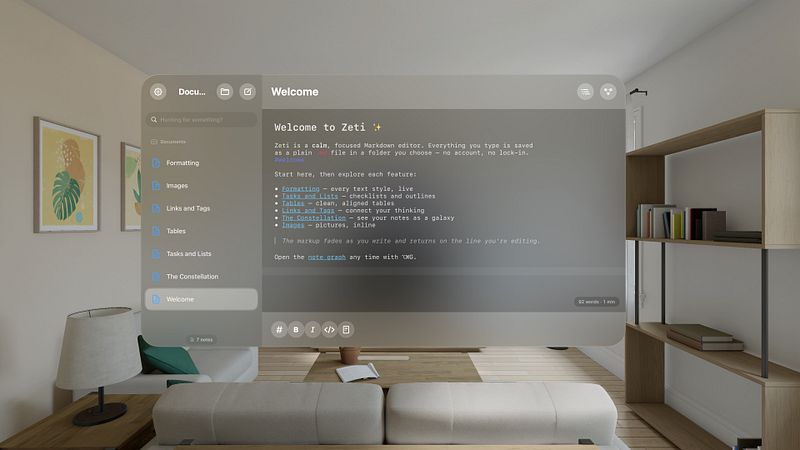


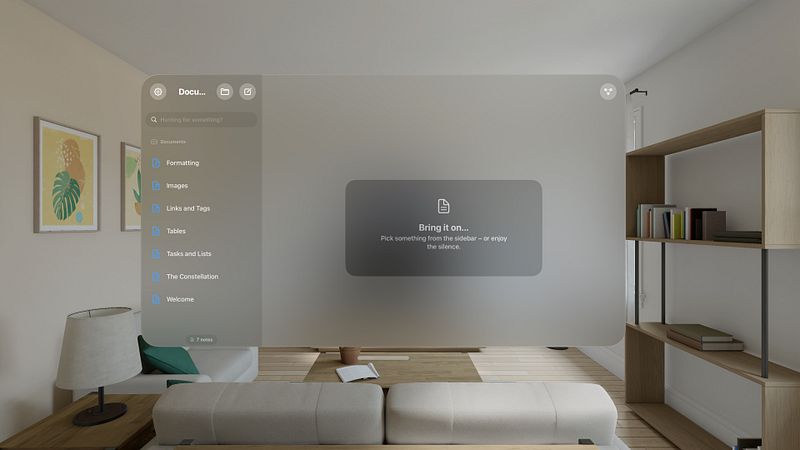
Zeti Editor is a Markdown editor that gets out of your way – a calm, focused canvas for writing, thinking, and note-taking
Your notes are plain .md files in a folder you choose. No proprietary format, no account, no lock-in. Keep that folder locally or in iCloud Drive, Google Drive, or a git repo – how you sync is up to you, and your writing stays readable anywhere, on any device, for good
WHAT YOU GET
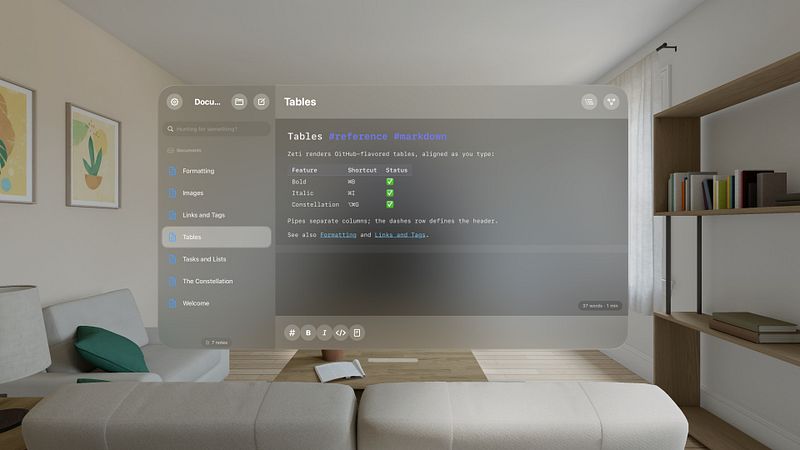
- Live Markdown: headings, bold, italics, lists, tasks, quotes, code, tables, links, and images render as you write. Inline formatting marks fade from view so your words stay front and center, and the line you're editing always shows the raw Markdown
- Source mode: switch to plain raw Markdown any time with a single shortcut
- Tasks you can tick: tap a checkbox to mark a to-do done, right inside your note
- Actions & command palette: transform your text in a keystroke – open a command palette to run built-in text actions, write your own in JavaScript, or use on-device AI actions on supported hardware. Everything runs locally, with no network. For more information, visit: https://ronz.dev/zeti/docs/
- Shortcuts, Siri & Spotlight: create, open, append to, and search your notes from the Shortcuts app, Siri, and Spotlight
- Export & share: turn any note into a PDF, or share your Markdown files anywhere – all through the native share sheet
- Beyond Markdown: open and edit plain text, HTML, and CSS files too, with syntax highlighting
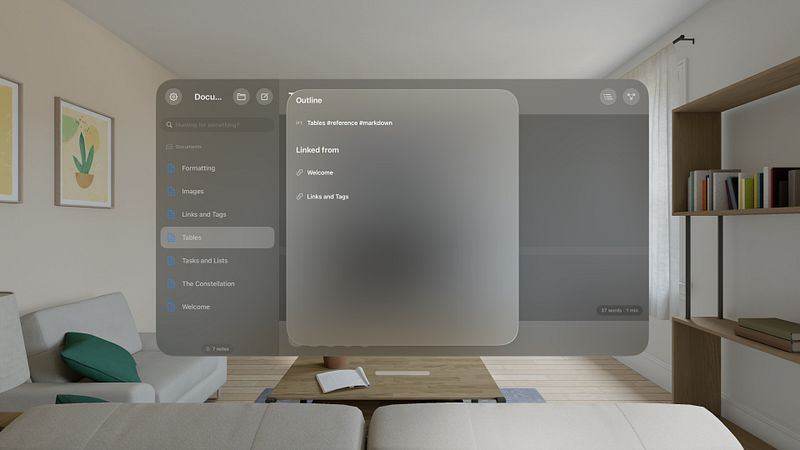
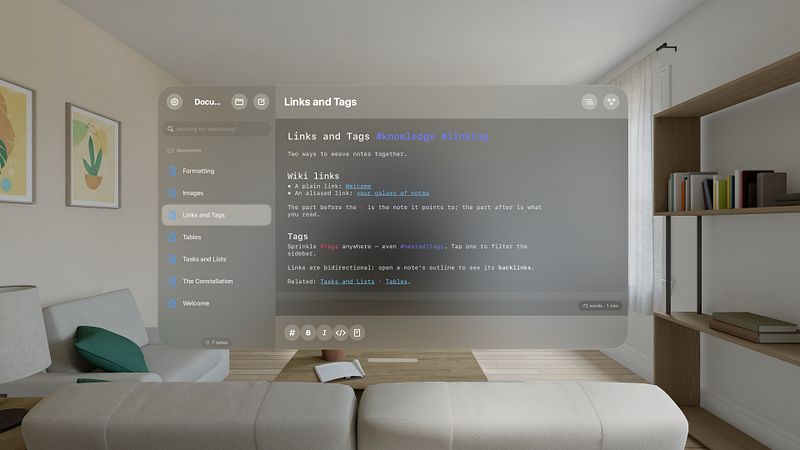
- Linked notes: connect ideas with [[wiki links]] and #tags, with autocomplete as you type. Every link works both ways – open any note to see the notes that link back to it
- Constellation: see your notes as a connected map, built from your links and shared tags. Tap a note to open it, search to highlight, and pinch to zoom
- On-device intelligence: notes are summarized and tagged automatically using Apple Intelligence – privately, on your device, on supported hardware
- Multiple windows: open several windows at once, each on...
