Listed already? Sign in

VisionDesk
Spatial Mac. Real Displays.
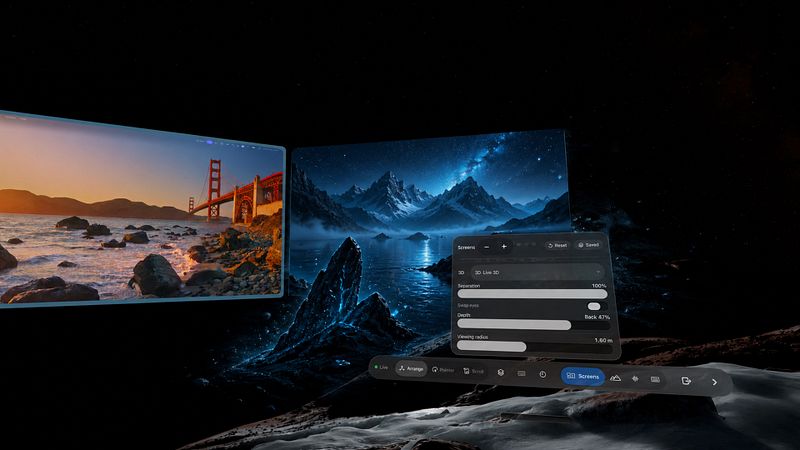
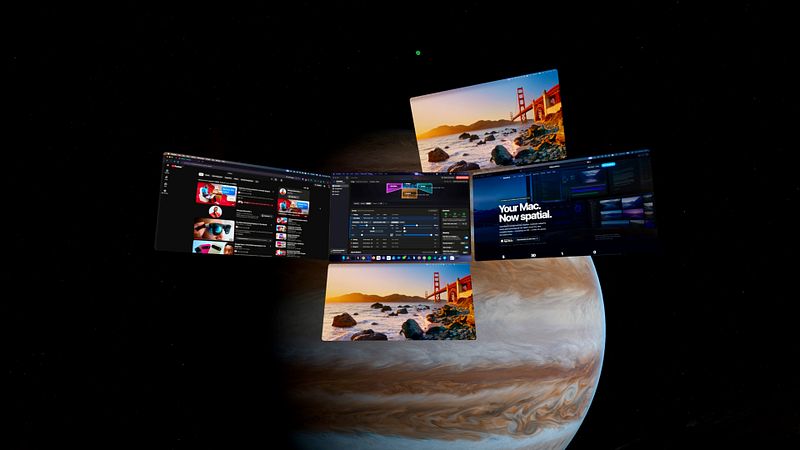
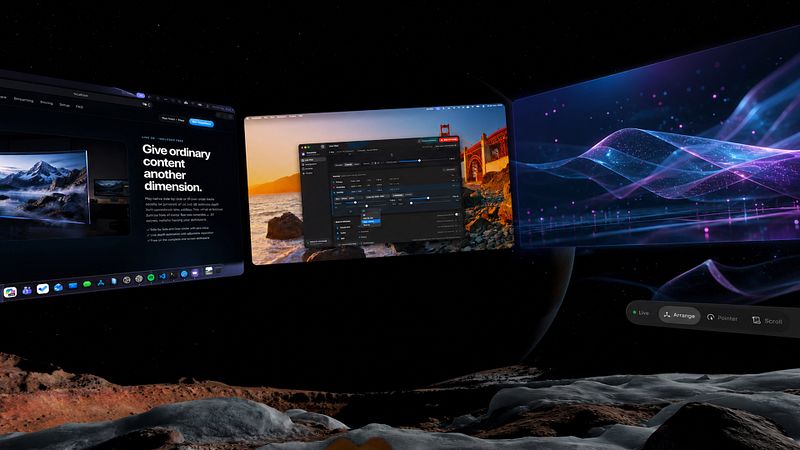
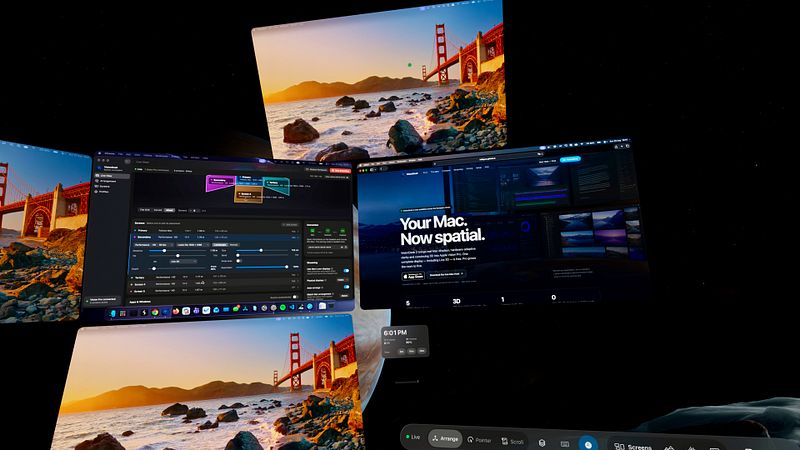
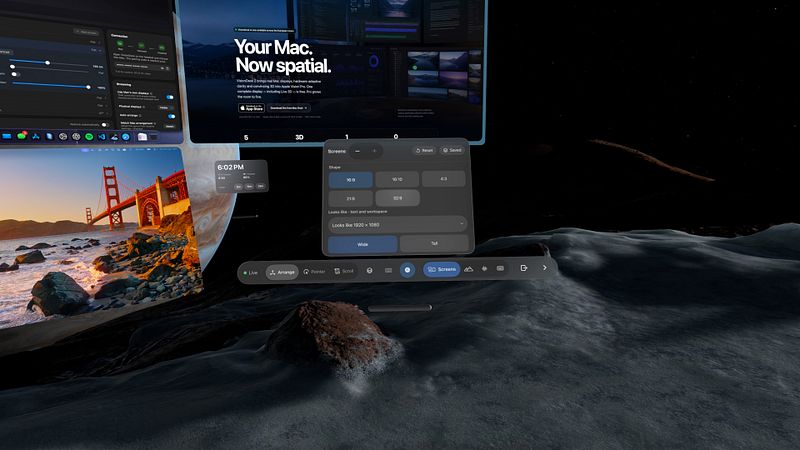
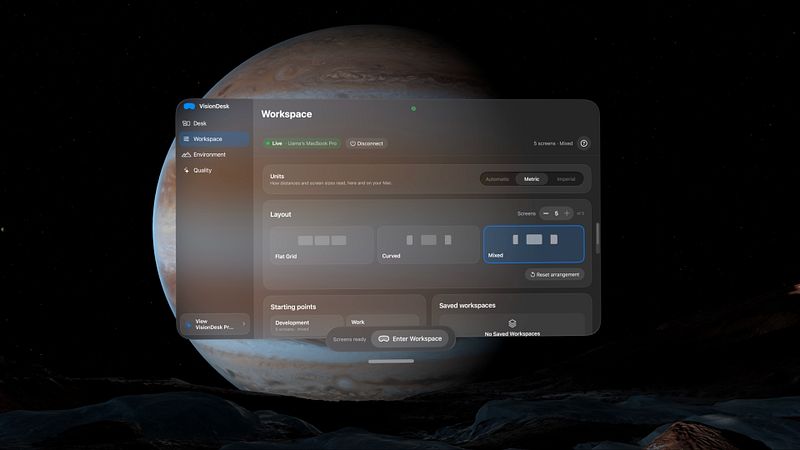
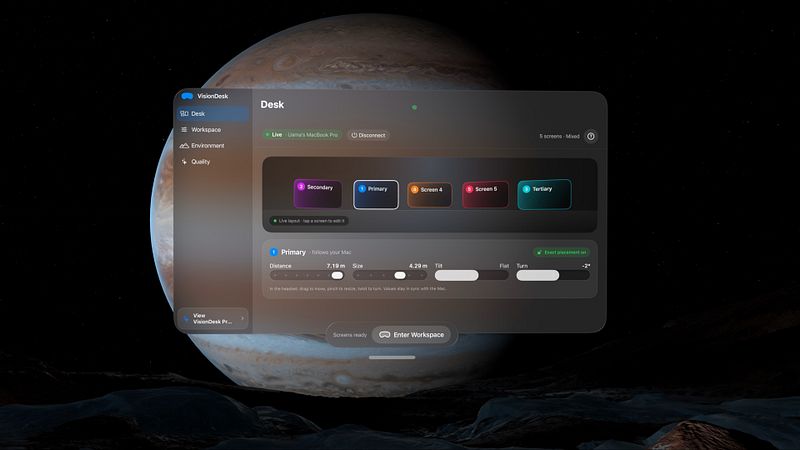
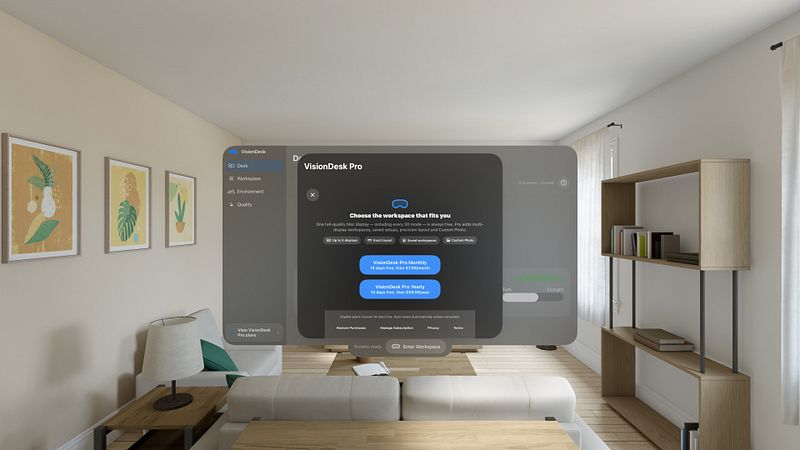
VisionDesk 2 makes one full-quality Mac display — including Live 3D — free. Pro expands your private spatial workstation to five displays and saved setups.
VisionDesk 2 turns your own Mac into a private spatial workstation on Apple Vision Pro. One complete display is free — including full input, Mac audio, adaptive streaming quality, Side-by-Side, Over-Under, and Live 3D.
REAL MAC DISPLAYS IN SPACE
VisionDesk creates genuine macOS virtual displays, not one oversized remote-desktop canvas. Your cursor flows naturally between screens, apps remember their monitor, and macOS treats each spatial display like a physically attached one.
Choose a clean flat grid, wrap displays around you in a curved layout, stack rows, or build a mixed workspace. Move, resize, turn, tilt, and bend individual screens. Move or recenter the entire workspace when your chair or posture changes. VisionDesk restores your last session automatically.
CLARITY THAT MATCHES YOUR MAC
Performance, High, and Max are clear intentions rather than fixed pixel guesses. Your Mac resolves the sharpest sustainable stream for its hardware and current screen count. A separate Looks Like control changes desktop space, text size, aspect ratio, and orientation without silently changing your quality choice.
3D IS FREE
Side-by-Side, Over-Under, eye swap, depth placement, and Live 3D are available on the free display. Live 3D estimates depth from ordinary content and creates a spatial view with adjustable separation. 3D is part of the experience, not a paywall preview.
FEATURES
• One full-quality Mac display free
• VisionDesk Pro expands to two through five displays
• Performance, High, and hardware-adaptive Max quality
• 16:9, 16:10, 4:3, 21:9, and 32:9 desktop shapes
• Landscape and supported portrait orientations
• Flat, curved, mixed, and stacked workspace layouts
• Side-by-Side, Over-Under, and Live 3D
• Mac audio, pointer, click, scroll, and keyboard input
• Exact per-screen position, size, distance,...
