Listed already? Sign in

Twin: 3D Scans for Passthrough
Make 3D models from your stuff
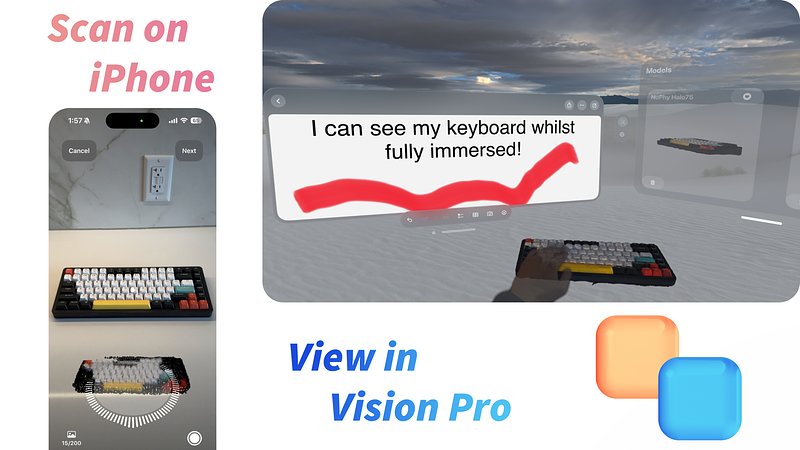
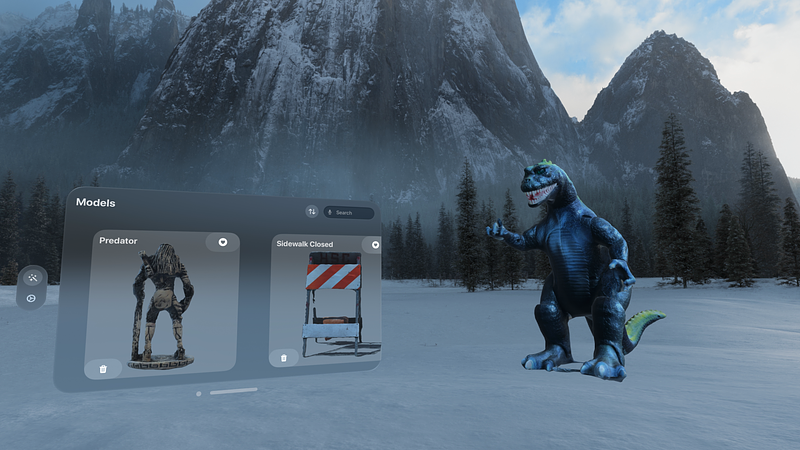
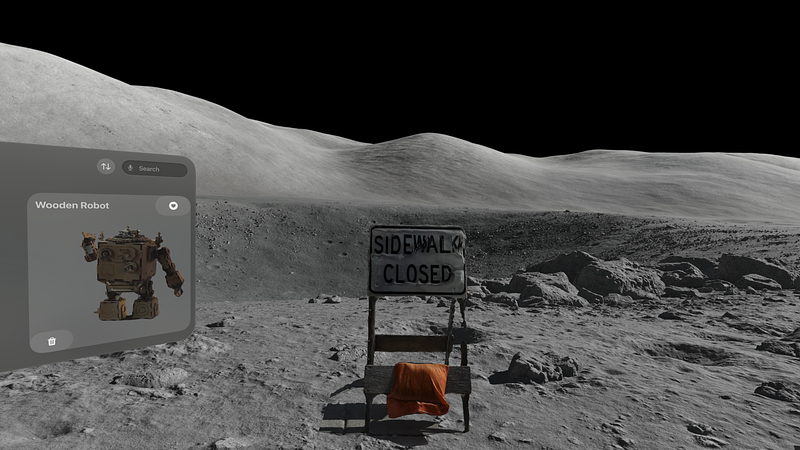
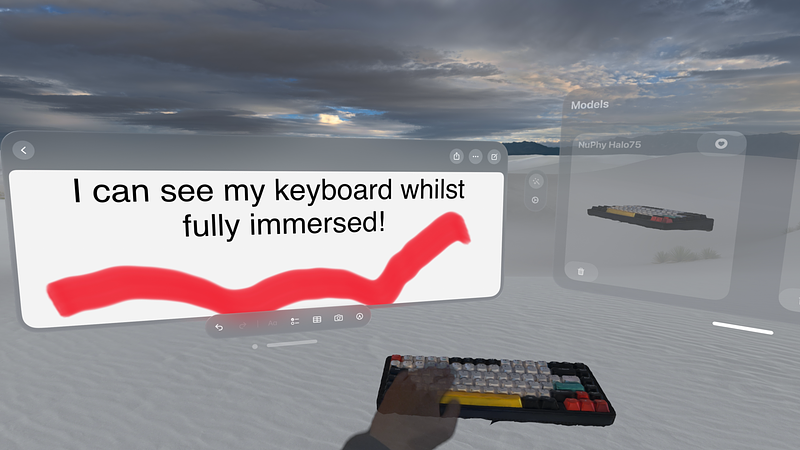
Make digital twins of your stuff using Twin! Twin is the fastest way to create 3D models of things around you for use in visionOS. Want to see your keyboard while fully immersed in an Apple Vision Pro environment? Want to bring your desk decor into the world of spatial computing? Want to use photogrammetry to scan your things? Want to visualize your models in brand new ways on Vision Pro using Twin Pro Filters? Twin can help.
To make a 3D model for use in visionOS, all you need to do is:
1. Use Twin on your Apple iPhone or Apple iPad to scan your item
2. Use Twin on your Apple Vision Pro to place your digital twin
That's it!
- Your Twin models will be visible even when fully immersed in a visionOS environment, scan in your keyboard and actually see what you're typing on
- Your Twin models are created using photogrammetry so they keep their real-world size, bring your favorite things with you into visionOS
- Your Twin models can create fun twists on your world, mix and match the real world and the virtual world to your heart's content
Please note:
• Scanning on iOS and iPadOS requires a device with LiDAR and an A14 Bionic chip or later – this generally means an Apple iPhone Pro released in 2020 or later, or an Apple iPad Pro released in 2021 or later
• Models are not tracked, they are not linked to a real world object, and they are stationary – place the stationary Twin model over your stationary real-world objects or wherever you desire
• You must be signed into the same Apple ID across your devices – sign into the same account on your Apple iPhone/Apple iPad that creates the scans as well as on your Apple Vision Pro to place the models
Twin's Features:
1. Use the photogrammetry capabilities of Twin on iOS/iPadOS to create 3D models (photogrammetry models require a minimum of ten pictures and can use up to a maximum of 200 pictures, pictures must be taken from different angles)
2. Filter your models to bring them to life in entirely new ways – create new...
