Listed already? Sign in

Stash: Fast Add to Clipboard
Snippets, links, photos, files
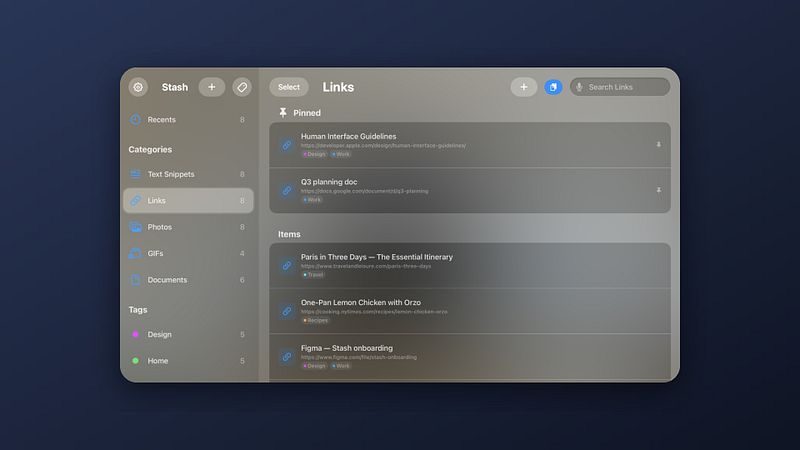
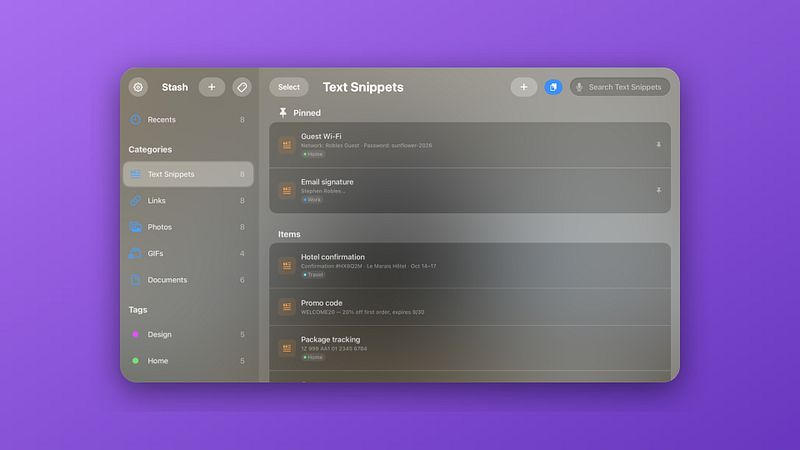
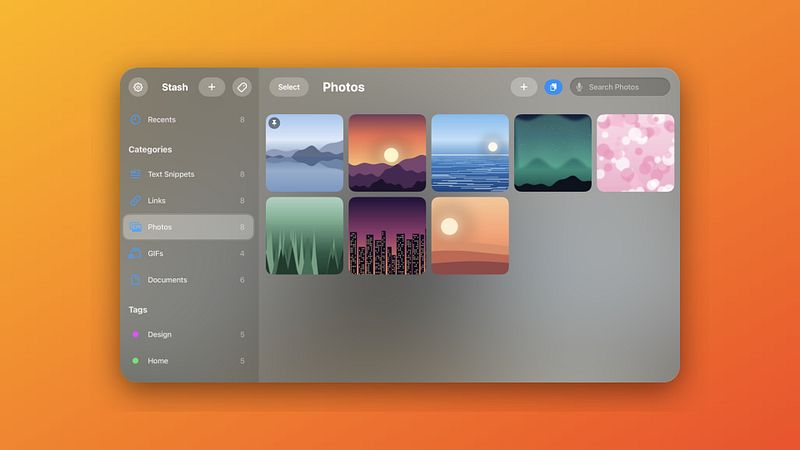
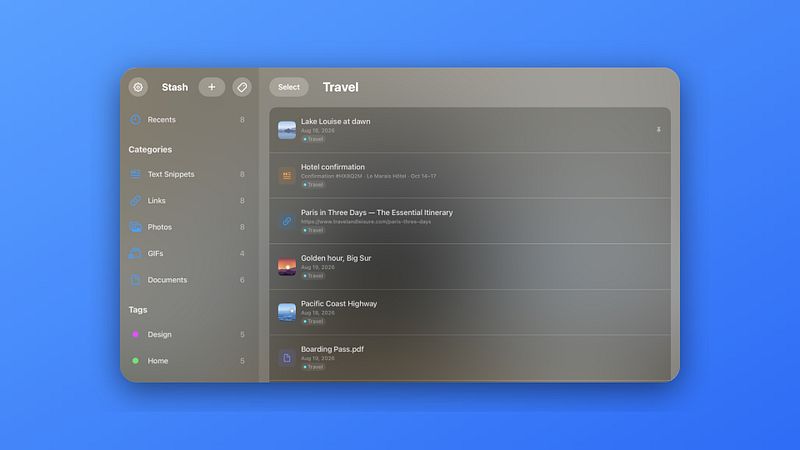
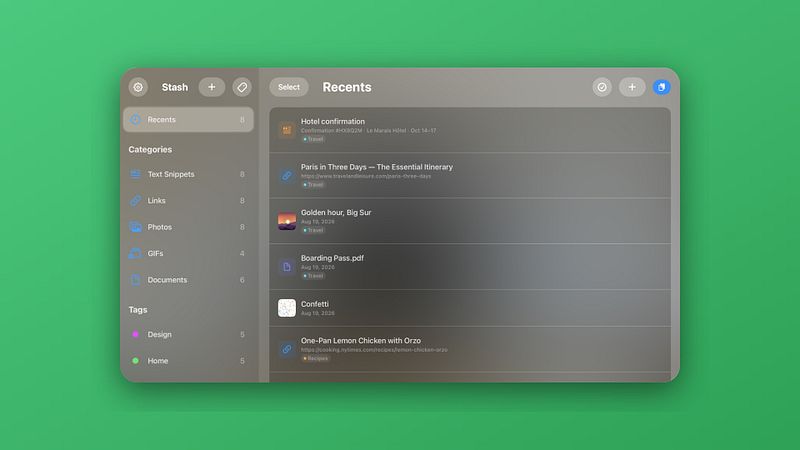
Stash is the fastest place to put the things you'll need again.
Save a snippet of text, a link, a photo, a GIF, or any file, from the share sheet, the clipboard, a drag and drop, or a Shortcut, and Stash keeps it one tap from your clipboard on iPhone, iPad, Mac, and Apple Vision Pro.
SAVE FROM ANYWHERE
• Share to Stash from any app. Text, links, images, and files are sorted into the right category automatically.
• One-tap "Add from Clipboard" button, no "Allow Paste?" prompt.
• Drag anything onto the Stash window on Mac or iPad.
• Save a photo or GIF from a direct image URL.
• Save whatever's on your clipboard straight from Control Center, on the Lock Screen, or with the Action button, and tag it on the way in.
COPY IN ONE TAP
• Tap any item to copy it. Photos, GIFs, and files copy as the real thing, ready to paste into Messages, Mail, Notes, or anywhere else.
• Select several items and copy them together.
• Quick Look any file without leaving Stash.
STAY ORGANIZED
• Five categories, Text Snippets, Links, Photos, GIFs, Documents, plus your own color-coded tags.
• Recents gathers new saves until you've reviewed them. Clear it with one tap, or let tagged items age out on their own.
• Pin favorites to the top. Drag to reorder. Search everything.
• Rename anything. Links pick up their page title automatically.
• Choose your own color for every category.
PRIVATE iCLOUD SYNC
• Your library syncs across iPhone, iPad, and Mac through your personal iCloud.
• No account, no sign-up, no analytics, no tracking. Your data stays in your iCloud and on your devices.
• A Sync status screen shows exactly when items were last sent and received, with a one-tap repair if you ever need it.
BUILT FOR MAC TOO
• A native Mac app with a sidebar, drag and drop, and keyboard shortcuts.
• Menu bar icon for quick access from any app.
• Global hotkeys: open Stash, open a category, or copy the latest item in a category without touching the mouse.
CONTROL CENTER, WIDGETS &...
