Listed already? Sign in

SaveIt - Save Links & Notes
Save Links & Notes, Read Later
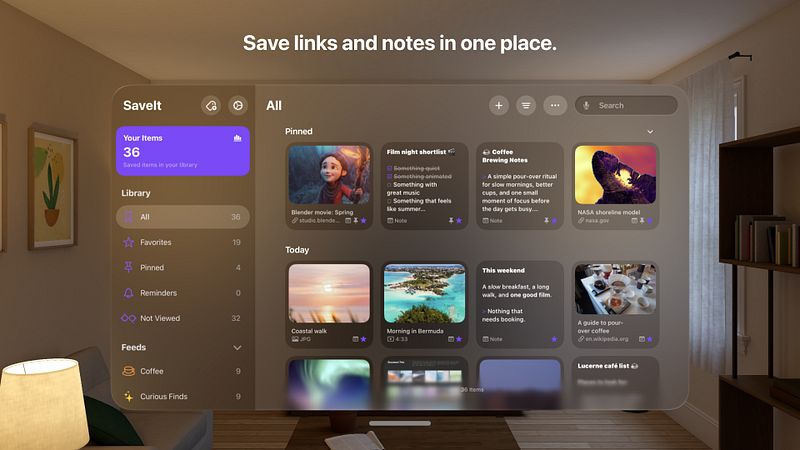
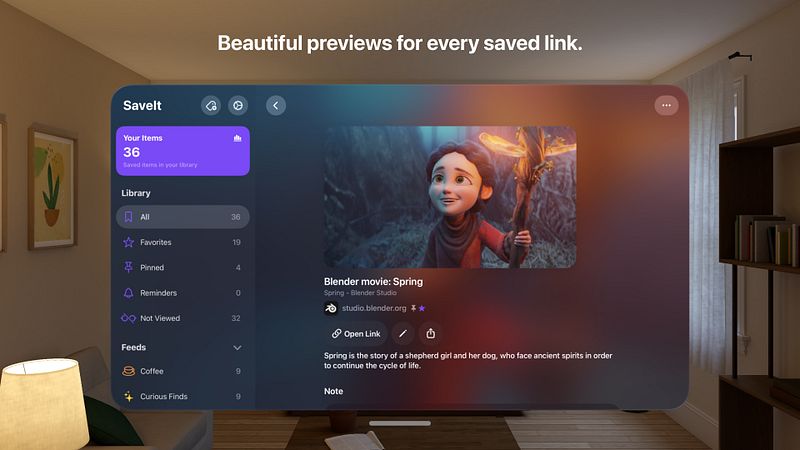
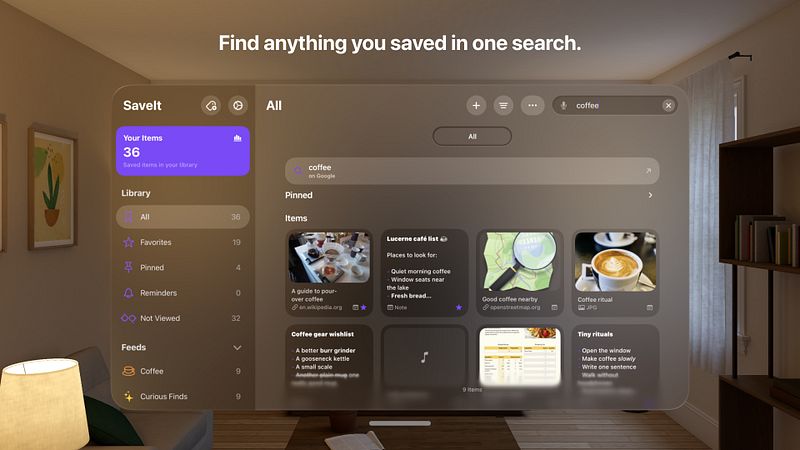
SaveIt keeps everything you want to save in one place. Add a link, write a note, or capture what's in front of you, and it's there on every device, ready when you need it.
Saving links and notes is free, with no limits. So are tags, search, Archive, Hidden Mode, and iCloud sync.
FREE, ALWAYS
• Save unlimited links, with a title, icon, and preview added automatically when available
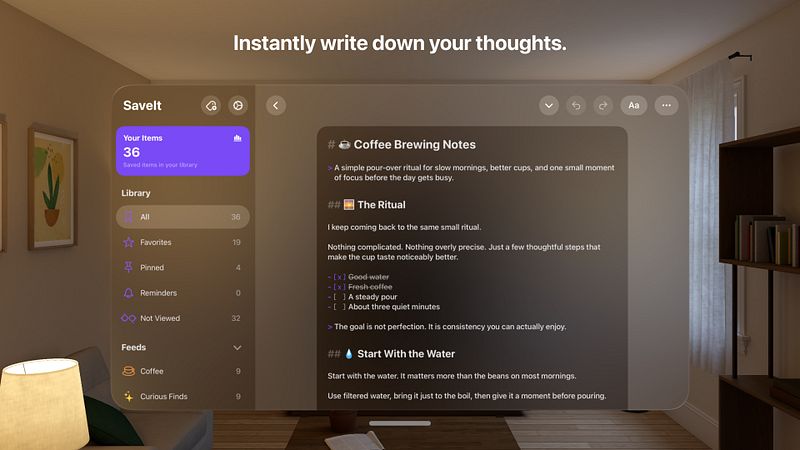
• Write notes in Markdown, styled as you type and drawn right on your cards
• Save from any app with the Share sheet, or scan a QR code to save where it points
• Organize with tags, and narrow any list by kind, date, or the words inside
• Archive what you're done with: out of your lists, but never deleted
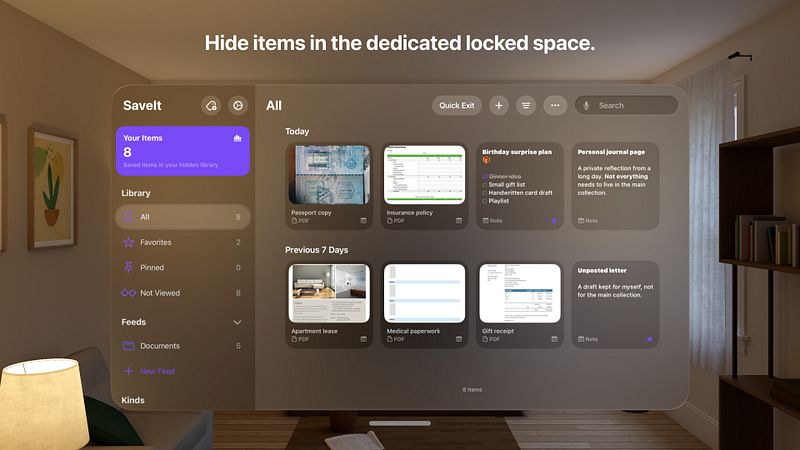
• Hidden Mode locks private items behind Face ID, Touch ID, or Optic ID
• Find anything with fast search, or with Spotlight from the Home Screen, the Lock Screen, and Finder
• A widget, Control Center, the Lock Screen, and the Action button put a new note, link, or search one tap away
• Ask Siri to save a link or a note, and on iOS 27, to find and open what you saved
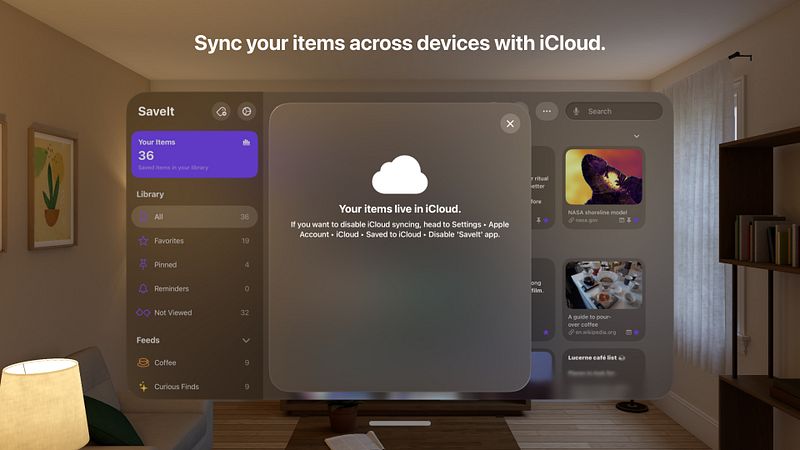
• Sync across iPhone, iPad, Mac, and Apple Vision Pro with your own iCloud, with your notes on Apple Watch
• Export notes as text, Markdown, or PDF, links as QR codes, and whole selections to a folder as real files
• Your items stay private: on your device and in your own iCloud, never on our servers
SAVEIT PRO
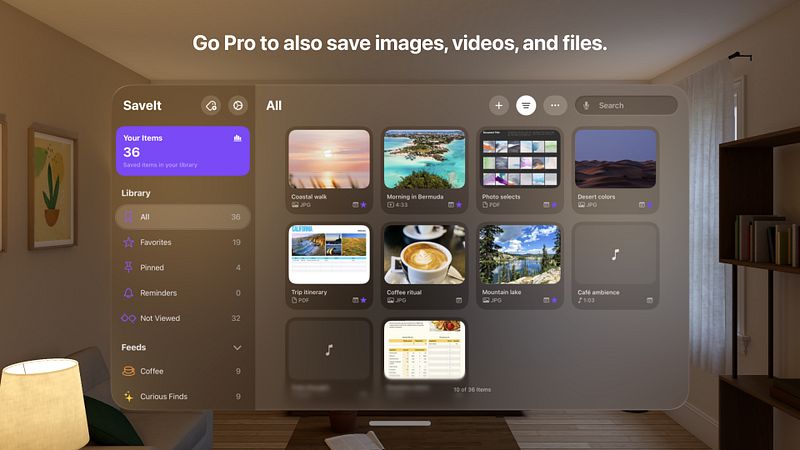
When you want to keep more than links and notes, Pro unlocks the rest.
Save anything
• Images, videos, audio, and files of any kind, kept in your own iCloud
• Take a photo or video, record a voice memo, or start from a blank image, right in the app
• Search inside your media on device, so the text in a photo or a PDF can be found
Stay organized
• Feeds keep the views you use most in the sidebar, sorted and styled the same on every device
• Reminders on any saved item, so nothing slips away
• Detailed stats on when you save and what you come back to
Make it yours
• Accent colors and custom app icons
• Premium...
