Listed already? Sign in

Neon Vision Editor
lightweight code editor
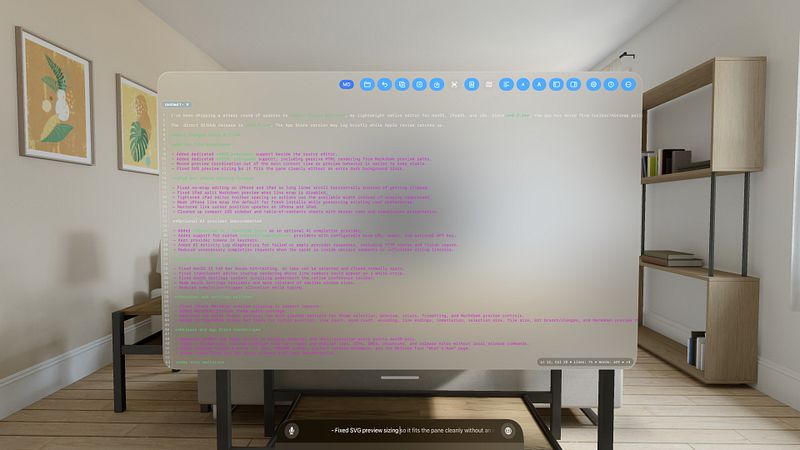
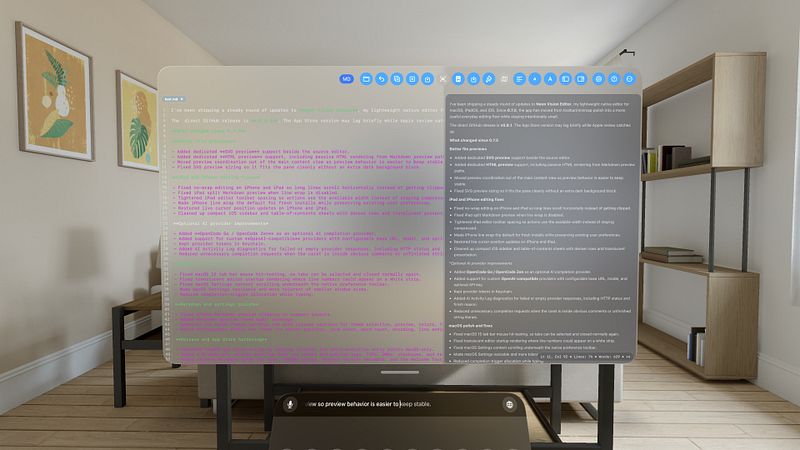
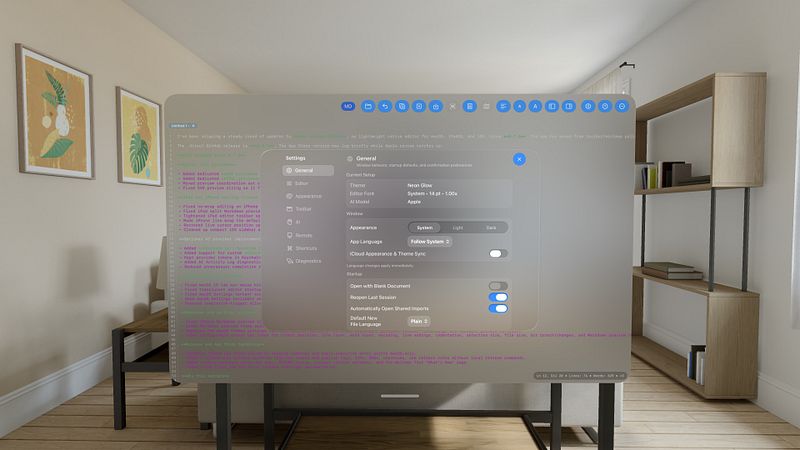
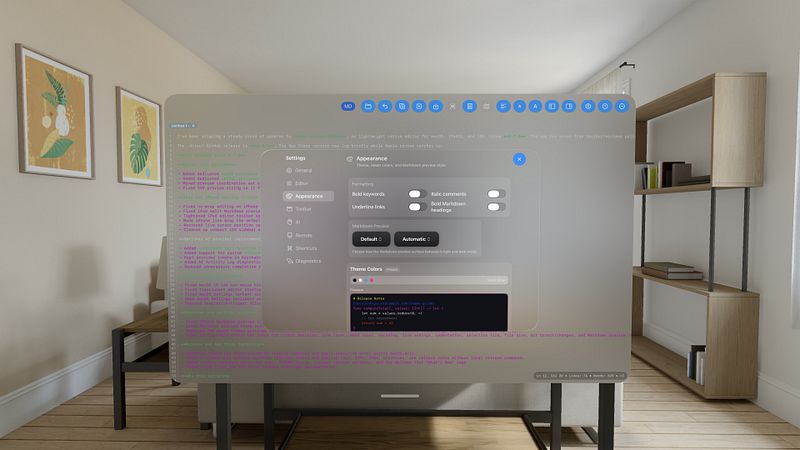
Open large files more smoothly, edit and save with confidence, and preview HEX colors directly in the macOS source editor.
Neon Vision Editor is a native, ultra-fast text editor for macOS, iPhone, and iPad.
Bloat-free. Readable. Built for focused editing without plugins, background indexing noise, or IDE overhead.
Edit notes, Markdown, code, configuration files, and large documents with a clean interface designed for touch and hardware keyboards. iPadOS remains focused on editing and previewing, with no Terminal or shell-execution features.
Highlights
• Syntax highlighting for Swift, Python, JavaScript, TypeScript, Java, Kotlin, Go, Ruby, Rust, SQL, HTML, CSS, C/C++, Objective-C, JSON, XML, YAML, TOML, INI, Markdown, Bash/Zsh, PowerShell, TeX/LaTeX, SVG, CSV/TSV, and Plain Text.
• Fast navigation with Quick Open, project browsing, recursive folder trees, and Find in Files.
• Markdown workflows with live preview, GitHub Flavored Markdown support, syntax-colored code blocks, PDF export, copy actions, and per-document preview templates.
• SVG and HTML preview panes beside the source editor.
• Reliable iPad editing with an adaptive toolbar, hardware-keyboard support, line wrap, and horizontal scrolling for long lines when wrapping is disabled, including beside Markdown Preview.
• Large-file workflows with deferred loading, chunked editor installation, clear loading states, and responsive first paint.
• Optional Vim-style keyboard controls, including iPad hardware-keyboard navigation.
• Code Snapshot tools for exporting styled editor captures.
• Safe Mode recovery, unsaved-draft recovery, unsupported-file protection, and stronger startup and session reliability.
• Optional AI-assisted code completion with OpenCode Go and custom OpenAI-compatible providers. Suggestions avoid obvious comment and string contexts to reduce distractions.
• Privacy-first local editing with no analytics or telemetry.
Neon Vision Editor is built for developers, writers, students,...
