
Live Home 3D - House Design
Architecture, Interior Planner
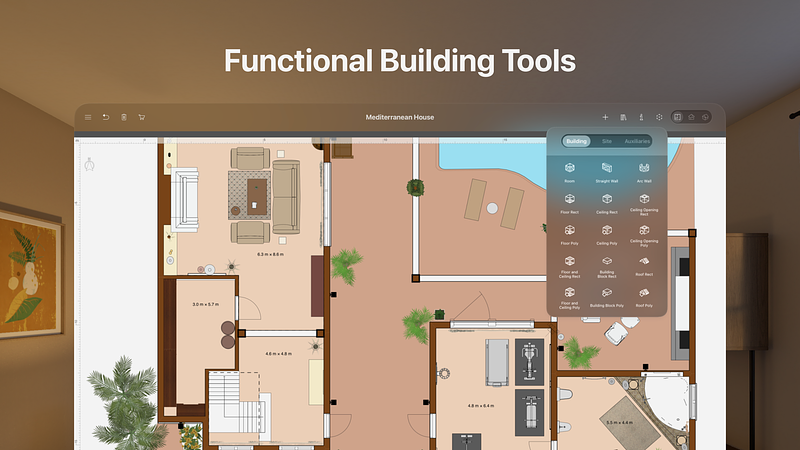
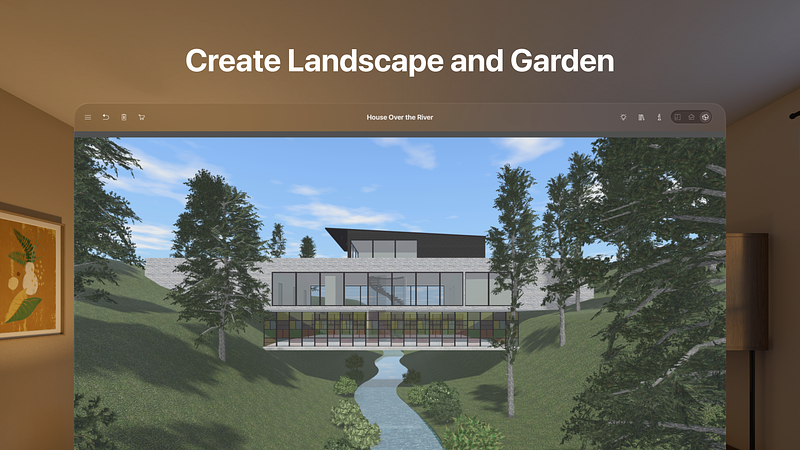
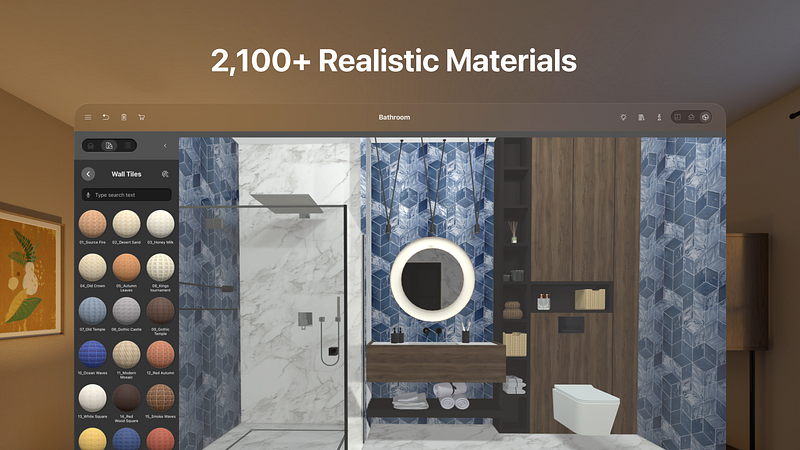
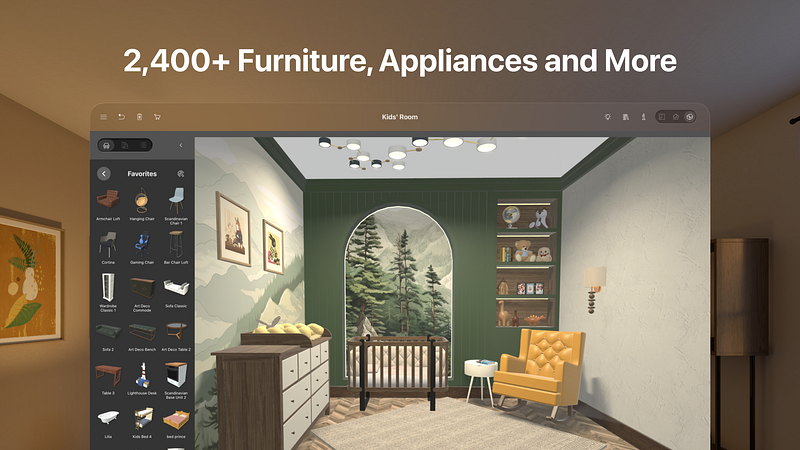
Build a home, renovate an apartment or plan your garden with Live Home 3D—an intuitive home, interior and landscape design app that turns all design tasks into an exciting process, while giving you the powerful tools that no other app in the store can deliver.
With Live Home 3D, you will be able to:
• Create detailed 2D floor plan layouts.
• Walk through your 3D interior designs.
• Hone your design skills with the ready-made house and interior design samples (e.g., kitchens, bathrooms, living rooms, etc).
• Add and move furniture and other objects (2,400+ items), and apply physically based materials (2,100+ supplied materials). Thousands of free models can be imported from the Trimble 3D Warehouse.
• Import 3D models from other applications in all of the most popular formats.
• Project your 3D home into real-world surroundings, and even walk around or inside the house using View in AR option.
• Achieve natural lighting by setting up true geolocation, daytime and overcast.
• Adjust light fixtures throughout the house to achieve a realistic lighting scene.
• Set multiple cameras to create flyover videos and 3D renderings of your projects from different angles.
• Work with the customizable roof; create corner windows and complex openings.
• Easily share your projects among visionOS, iOS, iPadOS, macOS or Windows devices.
Share your projects with friends, contractors or on social media.
• Export 2D floor plans as PDF and 3D views of your projects as high-resolution images.
• Render realistic home interior and outdoor walkthrough videos.
• Create Stereo 3D Video, 360° Video, Stereo 3D 360° Video and 360° Panorama JPEG images.
Note: All exports have watermarks in the Free version of the app. Only one project can be saved in the Free version.
The Standard Features In-App purchase removes the watermarks, save limitations and the 2-floor limit of the Free version.
The Pro Features In-App purchase additionally unlocks the advanced features listed below:
• Export...
