
Frame Screenshots: Shareshot
Add backgrounds & shadows
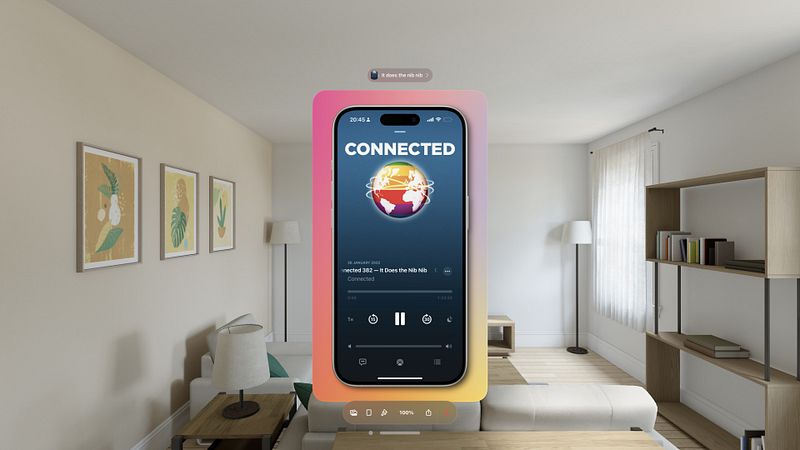
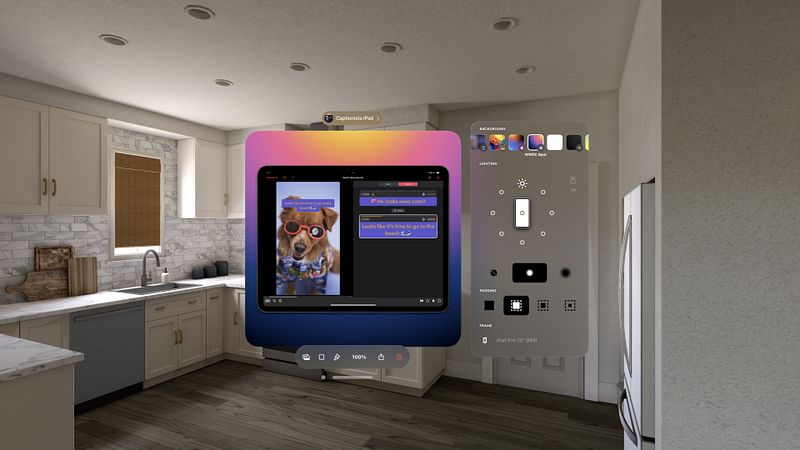
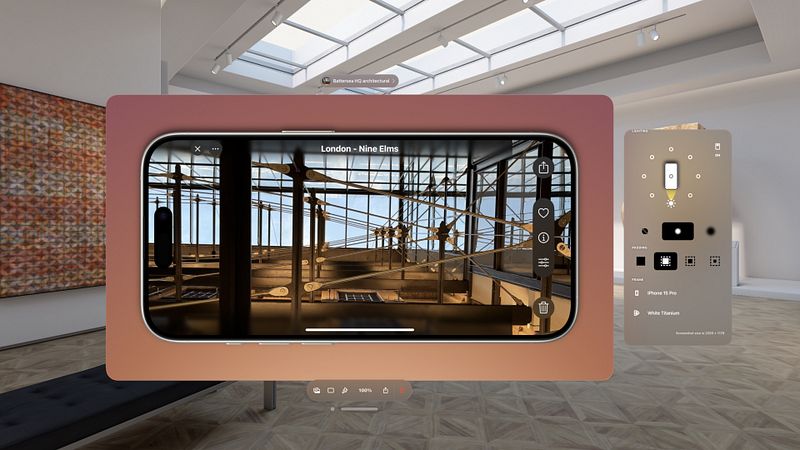
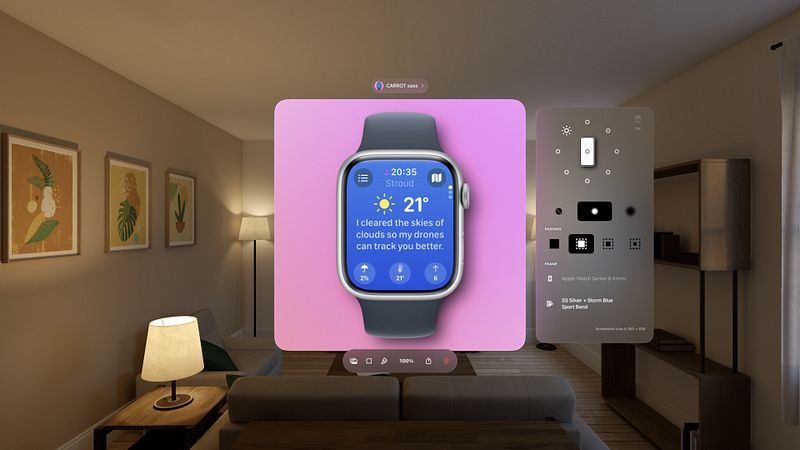
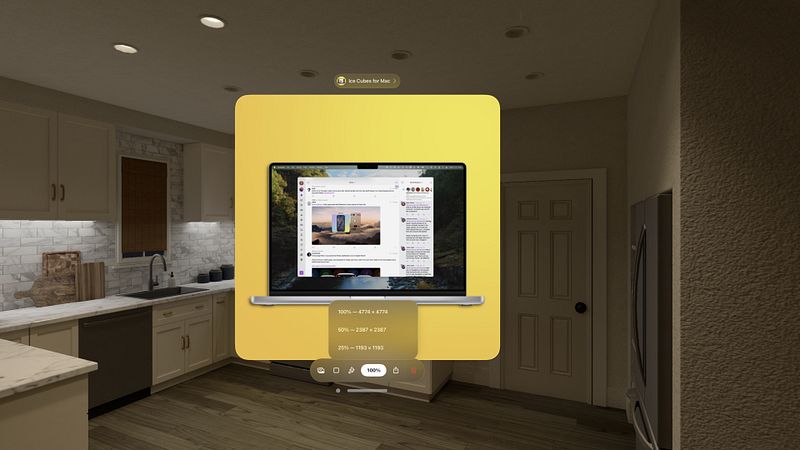
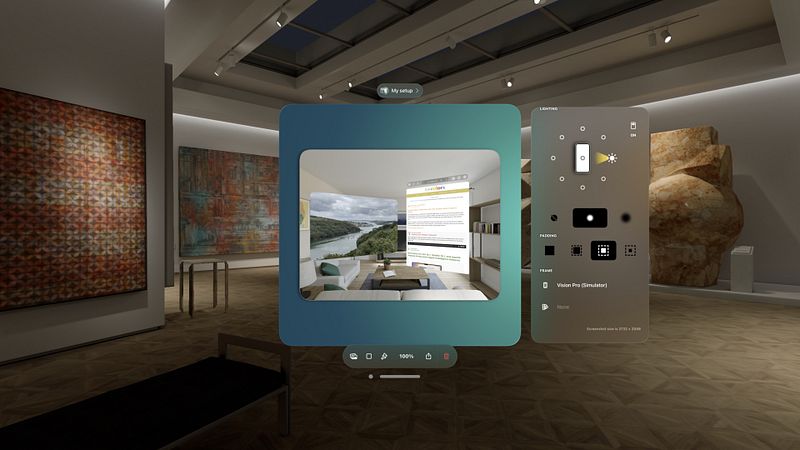
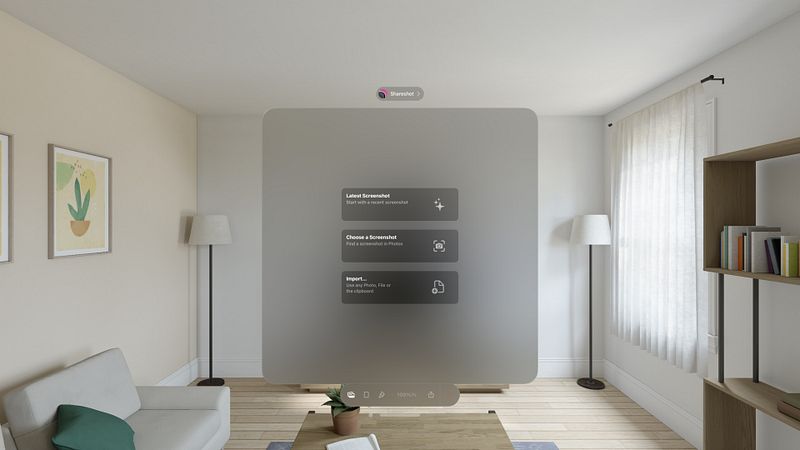
"Shareshot does things that a shortcut can’t, and the results it produces look fantastic." - MacStories
~~ Winner of MacStories Selects "Best Design" 2024 ~~
Add a beautiful background and perfectly fitted device frame to screenshots from iPhone, iPad, Mac, Apple Watch, and more.
Choose a screenshot, select the output size, background and lighting effects — then share in seconds. Perfect for sharing home screen layouts!
Shareshot is free to use with a watermark and some style limitations. Get a Pro subscription to remove restrictions and get full access to lighting controls, custom background images and custom frame support for the perfect screenshot! All bezels are included without paying.
BACKGROUNDS
* Add a pretty background — with thousands of gradient variations, striped patterns, and solidarity flags to show off your screenshot.
* Highlight your screenshot with the light position control for shadow and lighting effects in the background. (*)
* Use any image as a background. (*)
* Take a solid colour from your brand as a background.
* Support for a clear background when adding a frame for use in other workflows. (*)
* Use the current Apple Music artwork as a background.
THE PERFECT FRAME
* The frame always fits the resolution of the screenshot, no janky stretched or cropped images.
* Frame gaming screenshots from Nintendo Switch & playdate.
* "Fit Frame" mode for web & other media where you need to place a screenshot.
* Add your own custom frame with a clear area where the screenshot should be — frame any images!
* Use any image if no frame is required, or choose "No frame" if you prefer to go without.
INTELLIGENCE
* Any newly added screenshot is automatically detected.
* A very recent screenshot will be opened at app launch.
* Style memory remembers every background setting between sessions.
* Frame Memory recalls the last used frame variant for each device.
SHORTCUTS & SIRI
* Automate batch processing with powerful Shortcuts actions to frame each...
