Listed already? Sign in

Core Image Tools
Powerful tools, simple control
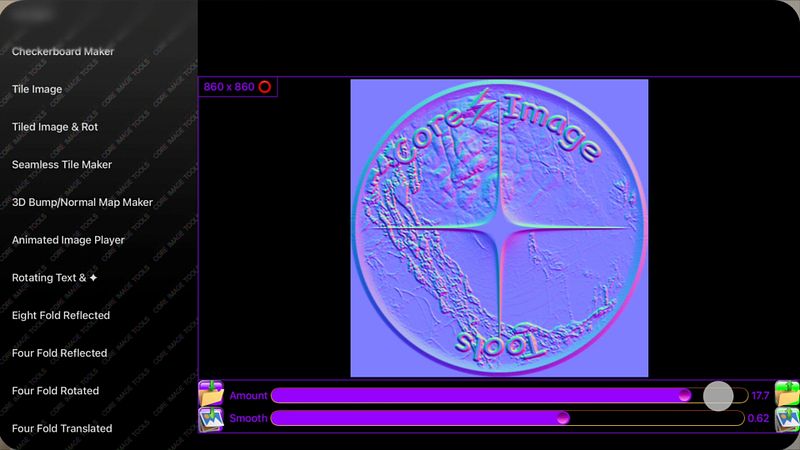
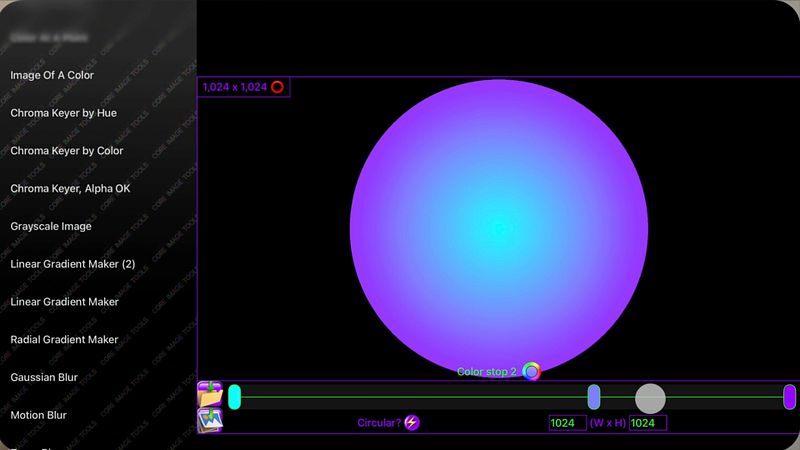
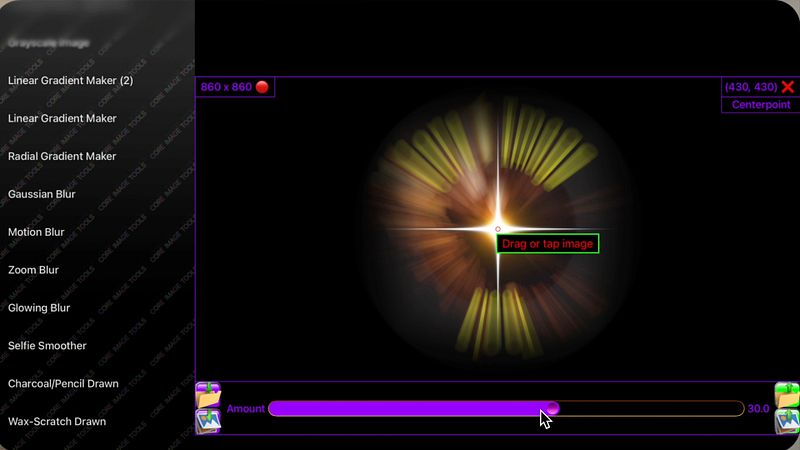
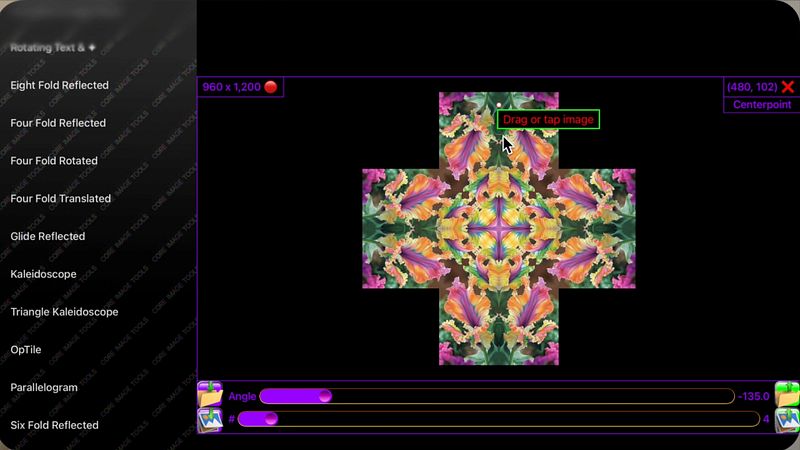
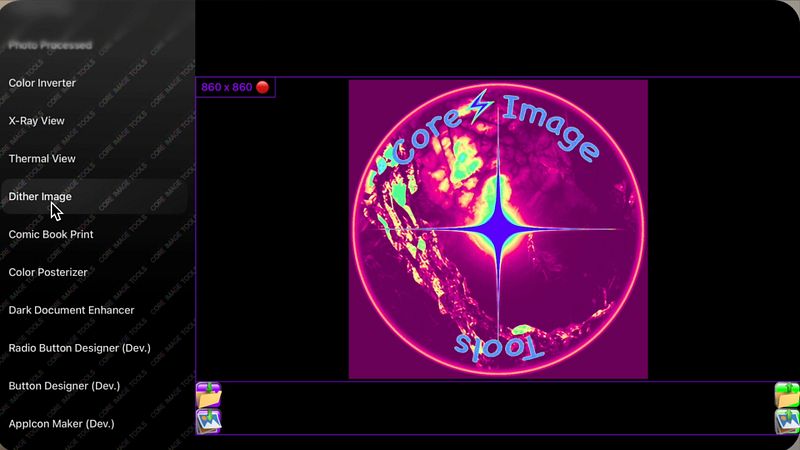
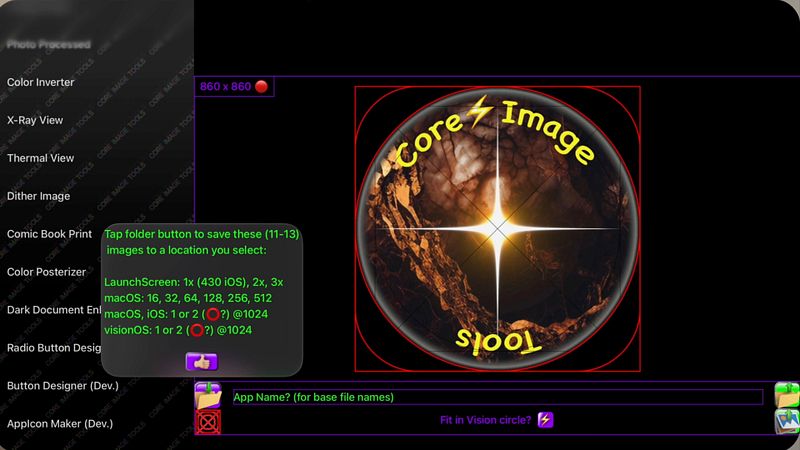
Over 100 powerful image editing tools, presented in the simplest user interface.
Like most workshops, you use several tools to accomplish a task. Core Image Tools is a large toolbox to reach into, to accomplish many complex effects, one simple step at a time.
Lightweight yet Powerful: Edit, enhance, resize, rotate, & add effects to your photos|images from the palm of your hand, while you're on the go, or also from your desktop|laptop.
Multi-Platform: Use the same app across your devices - iPhones, iPads, Macs, & Vision.
Super-Simple Workflow: Pick a Photos image, apply an effect, tap save - done! Want more? Pick that saved image, apply some other effect to it, tap save - done! Loop the image through as many edits|effects as desired & always have a hardcopy in Photos of each step along the way. Plus you'll always have your original, & never had to type in a single filename throughout the entire process.
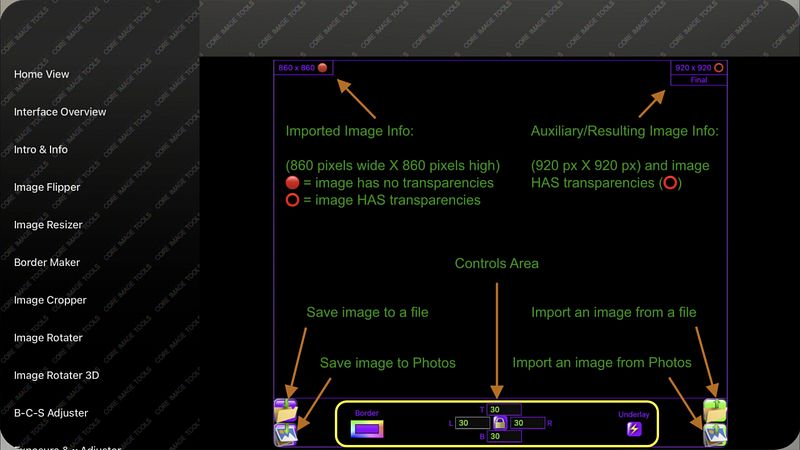
Resize Images: ACTUALLY resize images, not just crop them down or zoom in. Also, you can ADD color|transparent|semi-transparent pixels to any edge of an image to resize it, or offset it, using 'Border | Underlay'.
Flip|Mirror: Quickly mask|mirror a brand name out of your selfie. Flip|mirror an image, horizontally and|or vertically, with one tap. Use 'Skew' to straighten, keystone-correct, zoom, mirror, & crop all at once.
Smooth: Use 'Blur, Selfie Smoother' to iron out a few wrinkles, de-focus skin blemishes, or smooth out other unwanted details.
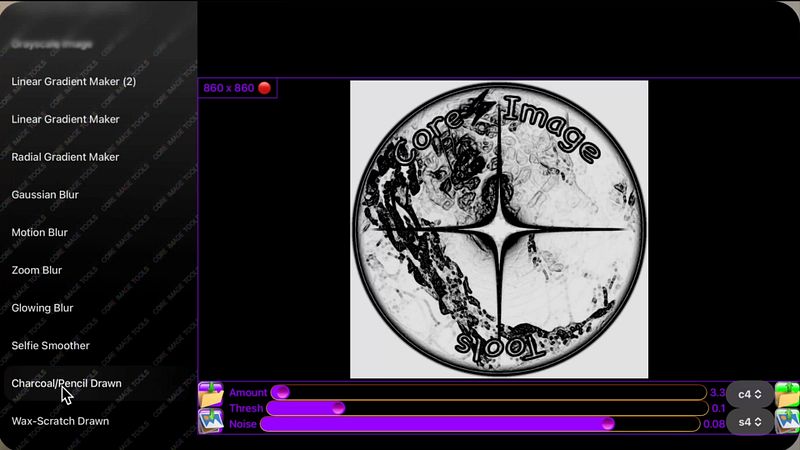
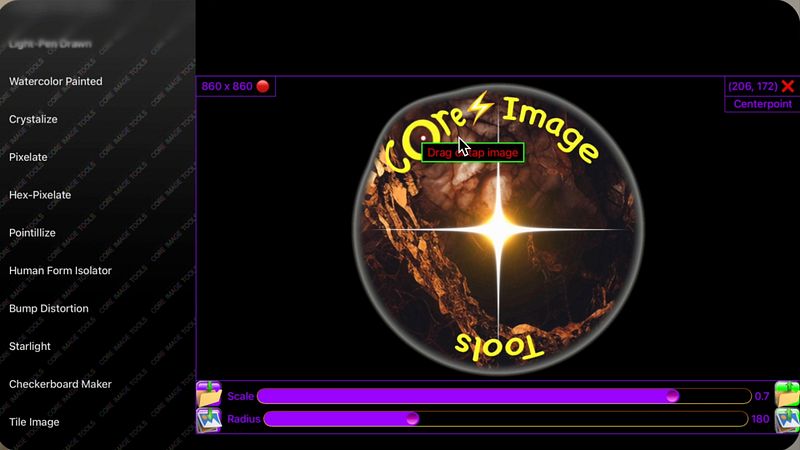
Line|Edge Drawn: Make an image look as if it was drawn|sketched using an ink pen, pencil, charcoal, colored pencils, colored chalk, light-pen, watercolored, wax-scratched (scratch-art), or made entirely out of dots|square pixels|points|hex-pixels|or crystalized.
Bump Distortion: Kids of all ages (Mom? Dad?) love to swell up, or shrink down, faces & parts of people - give dad a superhero chin, a sibling one big eye & one little one, a bubbled alien-forehead of a friend - endless fun. Wish you had a smaller nose -...
