Listed already? Sign in

choclift: Workflow Sweetener
desktop touch controls
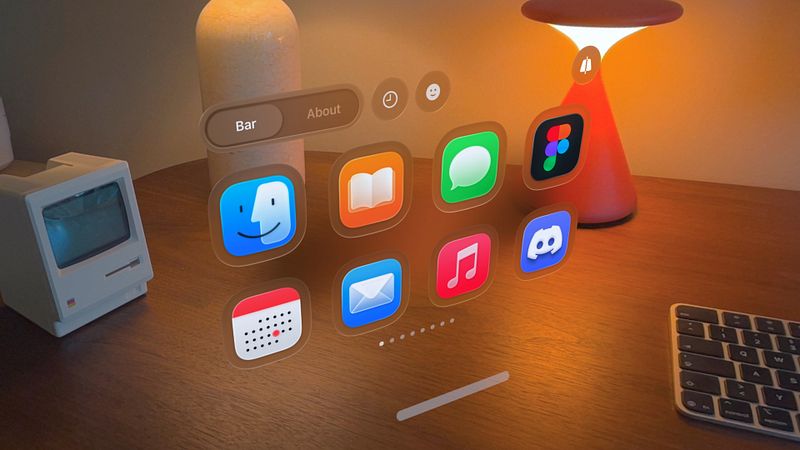
Access apps, Apple Shortcuts, websites and emojis on your Mac using your iPhone or iPad.
You know how the mouse, keyboard and trackpad define how we interact with Mac? Turns out there’s a fourth interface. Introducing choclift, the sweeter way to work with Mac.
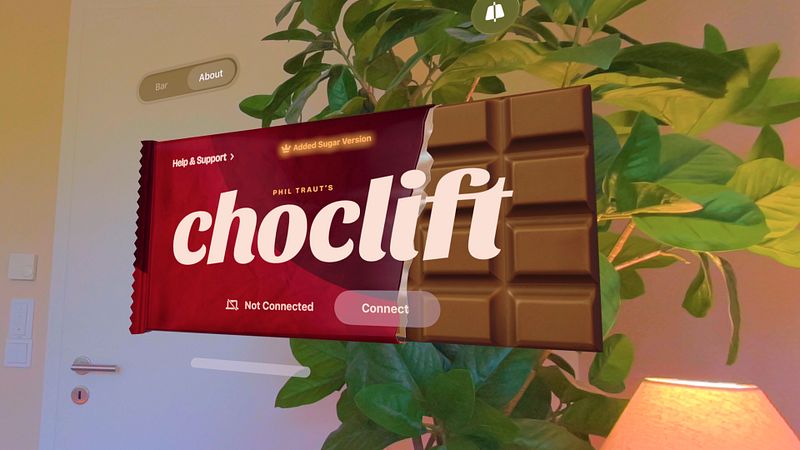
Deliciously easy: Install choclift on both your iPhone/iPad and Mac, make sure both devices are on the same Wi-Fi network, and connect once. That’s it. With choclift’s incredibly sweet recipe, you can even connect multiple devices at the same time.
Your taste, your layout: Choose the Mac apps, Shortcuts and websites your workflow can’t get enough of and arrange them in a layout that fits your needs. With the optional “Added Sugar” subscription or one-time purchase, you can unlock additional pages for your setup.
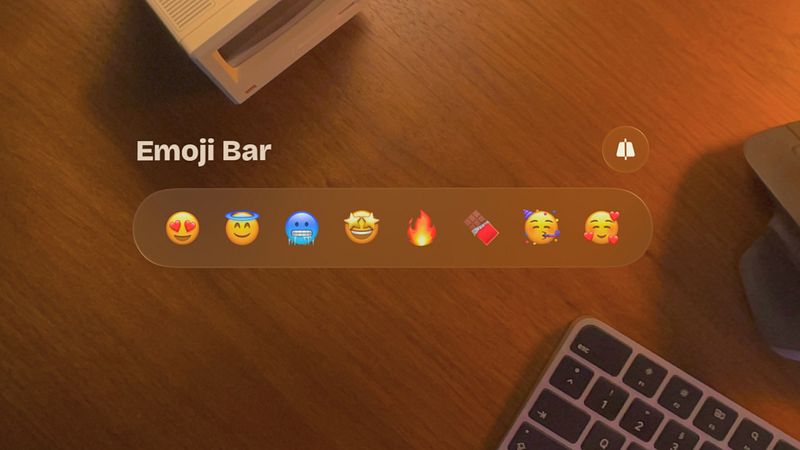
Introducing Emoji Bar: Add emojis to any text on your Mac with a simple tap on your iPhone/iPad, and customize up to eight slides with your favorite emojis.
Apple Shortcuts Support: Create simple to advanced Shortcuts with the Apple Shortcuts app, add them to your choclift bar, and top them with custom emojis.
Add Website Bookmarks: Your favorite URLs are just one tap away.
Finger Gestures: Minimize and maximize windows with two fingers or trigger actions like copy and paste in a fast and intuitive way. Gestures are executed locally through the Mac app.
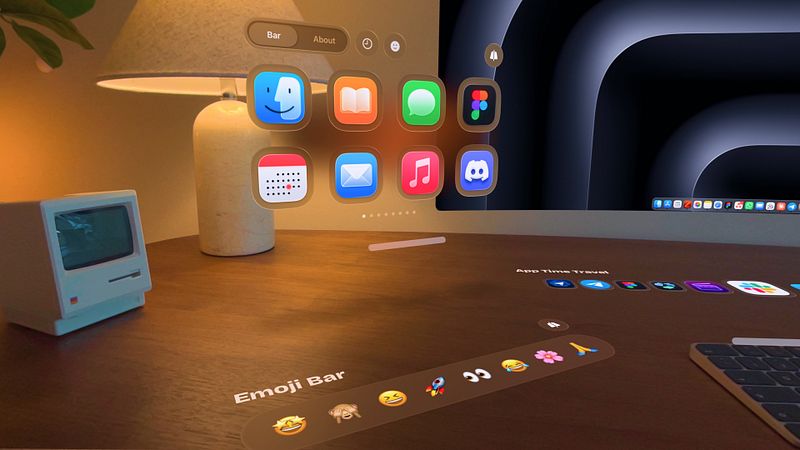
App Time Travel: Scroll through a timeline of your recently opened Mac apps and pin your favorites to quickly jump between workflows. Available with the optional “Added Sugar” upgrade. Pricing is shown in-app.
Drag & Drop, sweetly upgraded: Use your mouse to drag files on your Mac and use choclift to quickly access the target app, no matter which desktop it’s on.
Portrait or landscape: Use choclift the way you like. Rotate your iPhone/iPad and place it wherever it fits best into your setup.
Every workflow is different, so we hope many people will discover new ways to lift their productivity to new heights with our little tasty...
