
AU Studio
Audio Unit Inspector Host
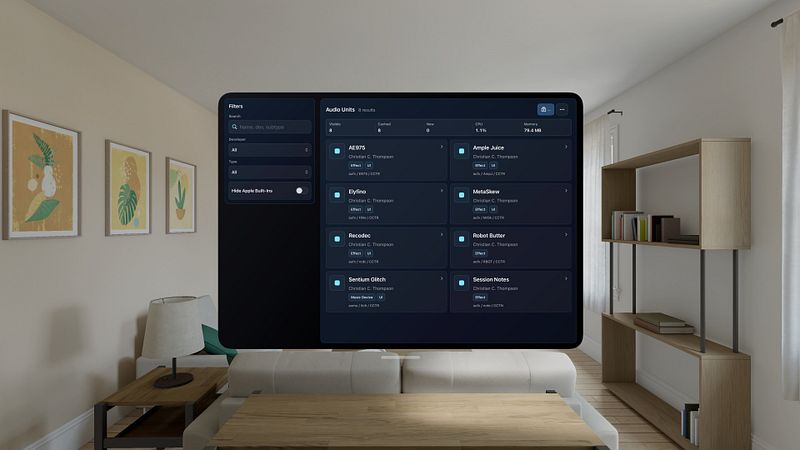
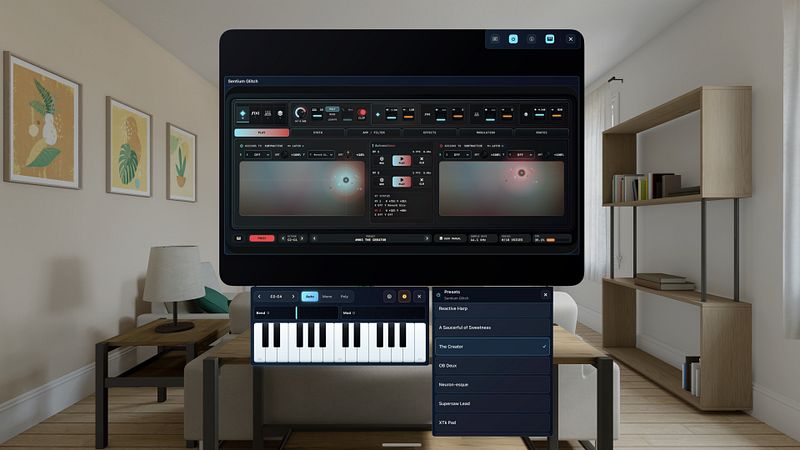
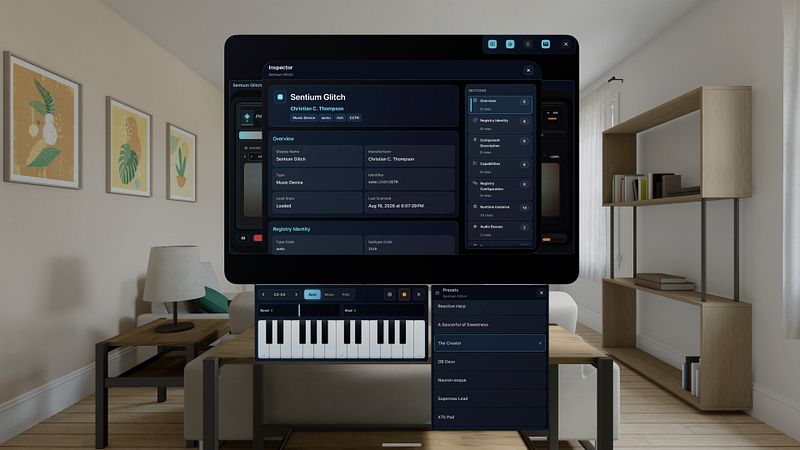
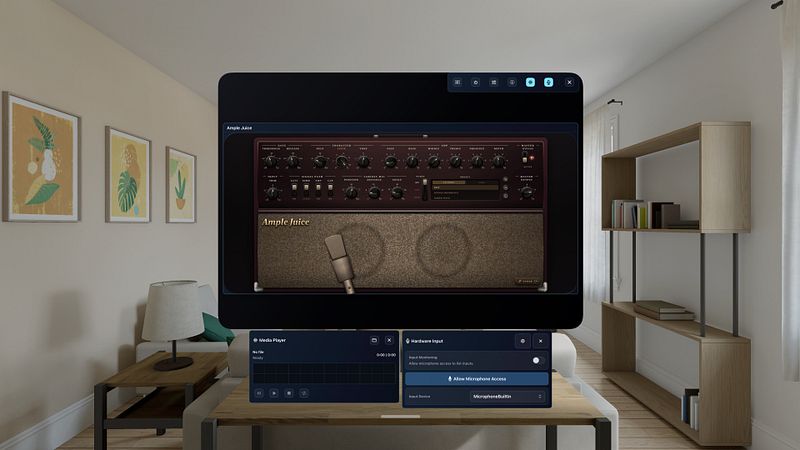
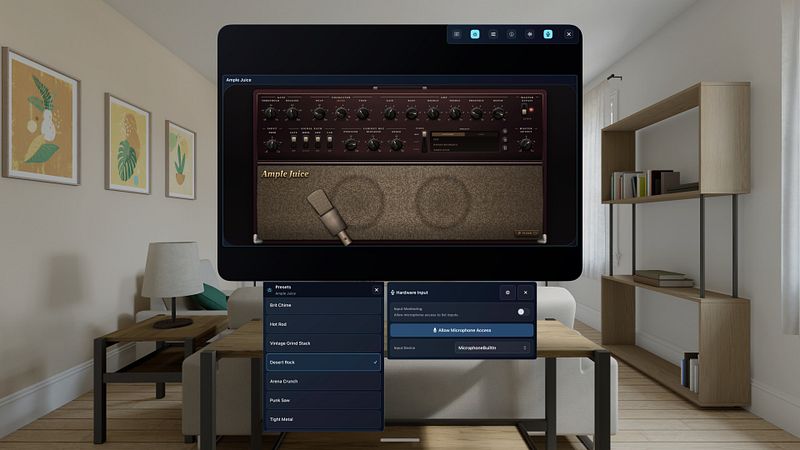
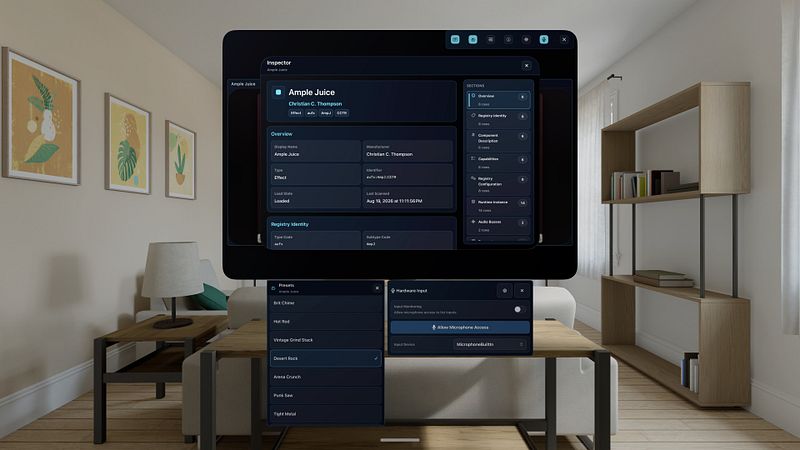
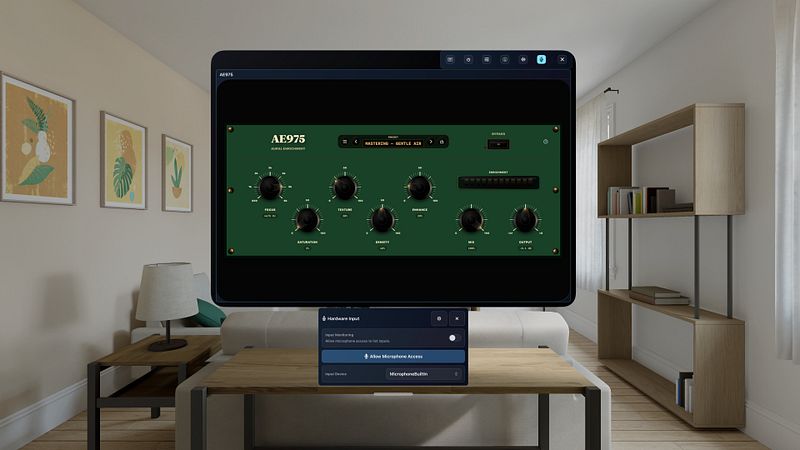
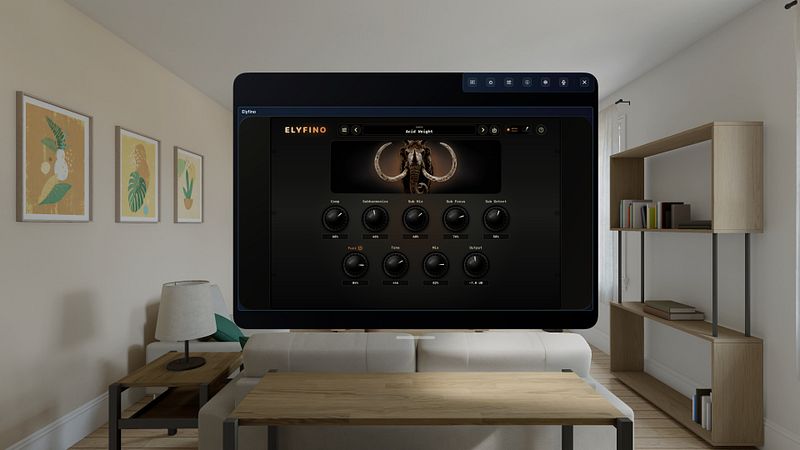
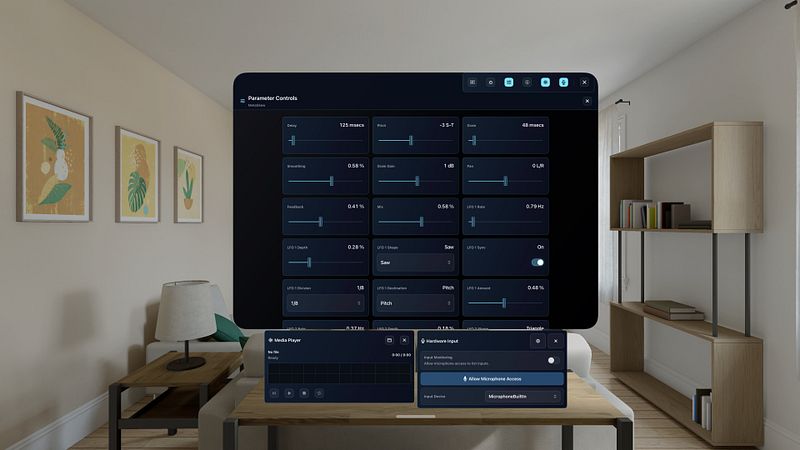
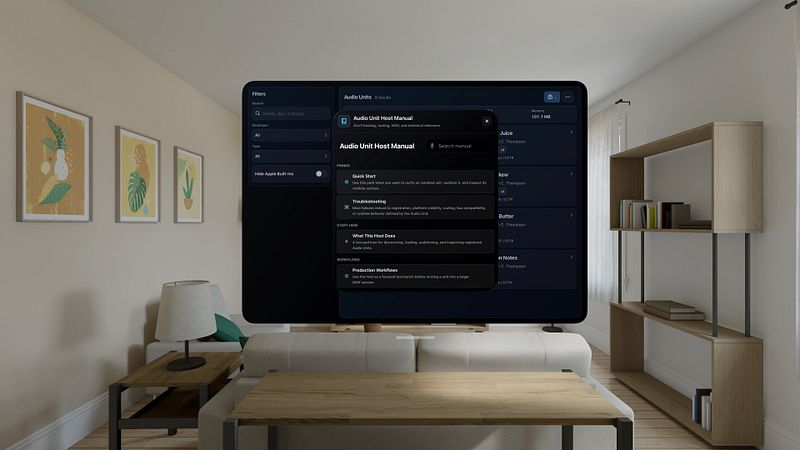
Built for Audio Unit enthusiasts and developers: audition plug-ins and presets, test MIDI and MIDI 2 setups, check cached validation, and see what each plug-in exposes.
AU Studio is a focused Audio Unit host, not a DAW.
Open the plug-ins you already own, hear them in seconds, and see exactly what they expose.
Made for musicians, sound designers, and Audio Unit developers who need a fast, honest test bench.
No session to build, no tracks to arm. Pick a unit from your catalog and its interface opens in a panel of its own, named and sized to the plug-in, with your host controls in a bar above it.
Key features:
- Scan the instruments, effects, music effects, generators, and MIDI processors already installed on your device: AUv3 on iPhone, iPad, and Apple Vision Pro, plus AUv2 on Mac.
- Filter by developer, type, or search text, and hide Apple built-ins to focus on third-party gear.
- Open a plug-in's own interface when it ships one, and fall back to a metadata view when it doesn't, with the full inspector always one tap away.
- Inspect identity, four-character codes, version, sandbox and cached validation status, MIDI support, busses, parameters, presets, latency, and tail time.
- Step through factory presets, then save your own working state without leaving the interface.
- Play instruments from the floating MIDI keyboard: notes, pitch bend, mod wheel, auto, mono or poly voicing, a shiftable range, and one-tap panic for stuck notes. Your hardware controller lights up the on-screen keys as you play.
- Run a guitar, a microphone, or any channel of your interface through a loaded effect. Pick the device, pick mono or stereo, pick the channels.
- Load a track into the floating media player, scrub the waveform, loop a section, and play along with your live input at the same time.
- Check a signal path in seconds with the built-in test tone.
- Route external CoreMIDI sources in, and send generated MIDI back out to a CoreMIDI destination.
- Test MIDI 2 units with...
