Listed already? Sign in

ALVR
At-home spatial game streaming
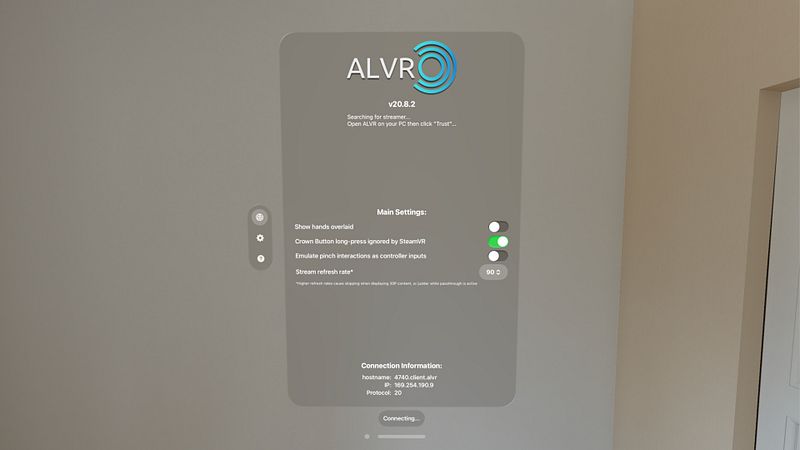
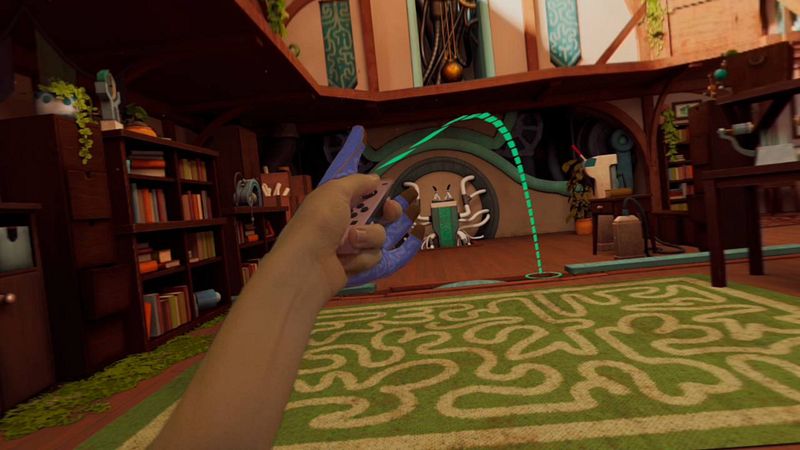

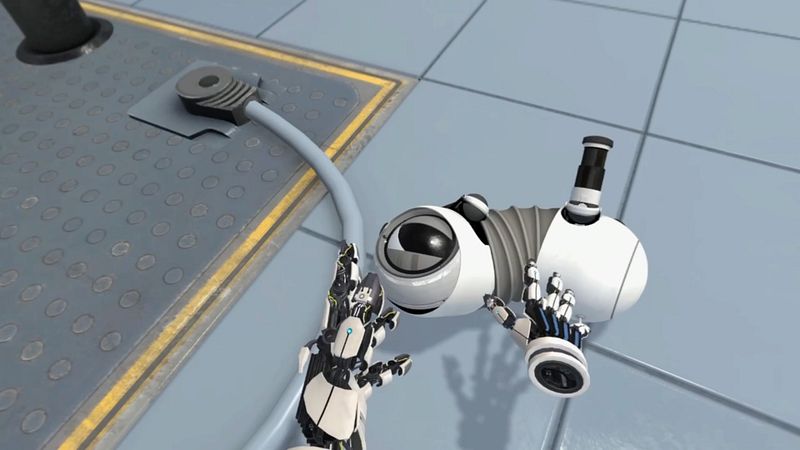
Stream immersive OpenVR games from your PC to your Apple Vision Pro via Wi-Fi, now with reduced stutter, and support for PSVR2 controllers and Vision Pro 2025.
ALVR makes it easy to stream OpenVR apps from your gaming computer to your Apple Vision Pro, with support for hand gesture input, dual controllers such as the Nintendo Switch™ Joy-Con™ controllers, or existing lighthouse base station setups for hardcore spatial computing enthusiasts. ALVR is also open-source, does not collect user data, and is constantly improving thanks to our contributors.
Requirements:
* Computer running a compatible OpenVR runtime - Windows, or Linux
* Apple Vision Pro must be on the same local network as the computer
For best performance:
* Ensure you are connected to a 5GHz 802.11ac router within 20 feet of your playspace with local network speeds greater than 200Mbps
* Ensure network activity from other devices on your 5GHz router is minimal (if possible, use a dedicated AP for streaming)
* Make sure your streaming computer is connected directly to the router via ethernet
