Listed already? Sign in

3D Text Viewer
3D Text On Your Photos Images
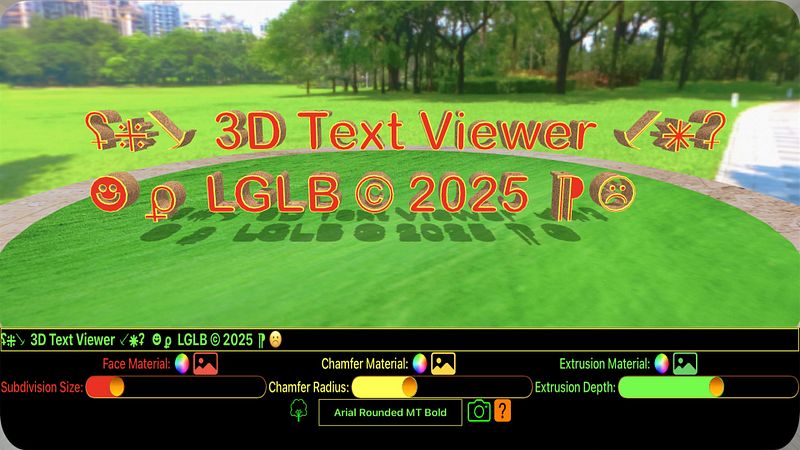
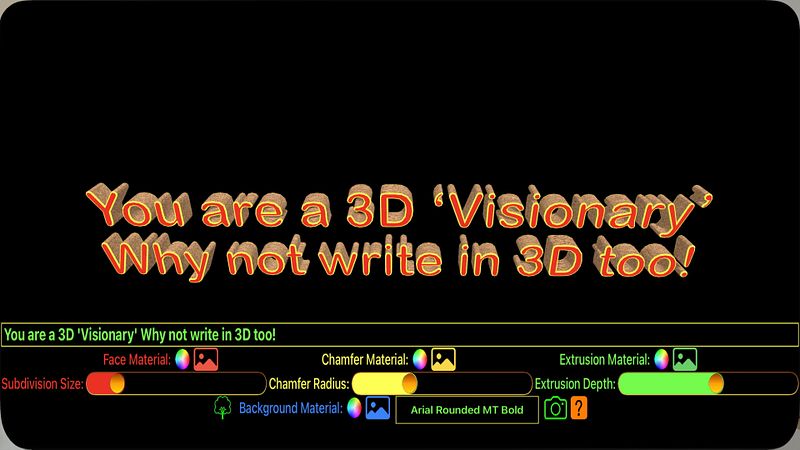
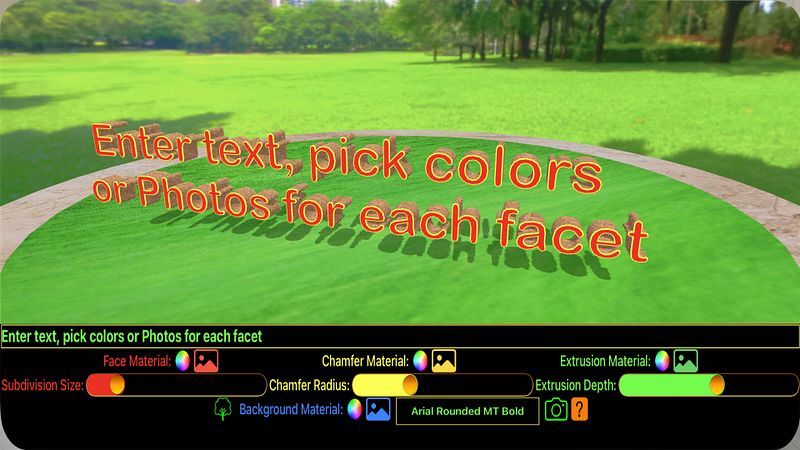
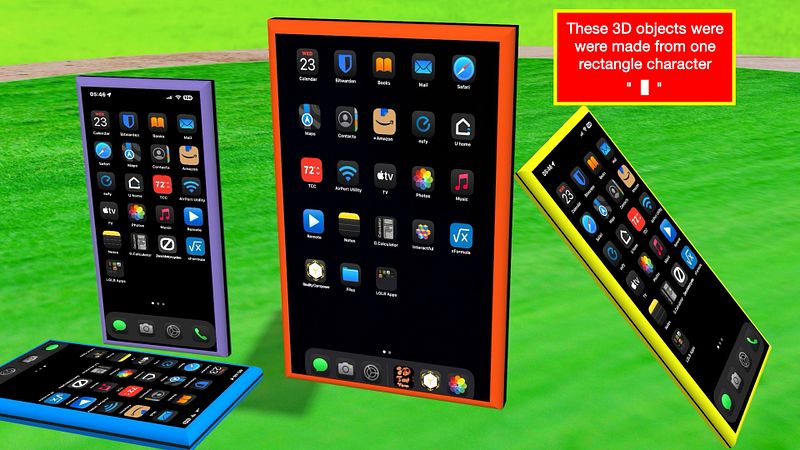
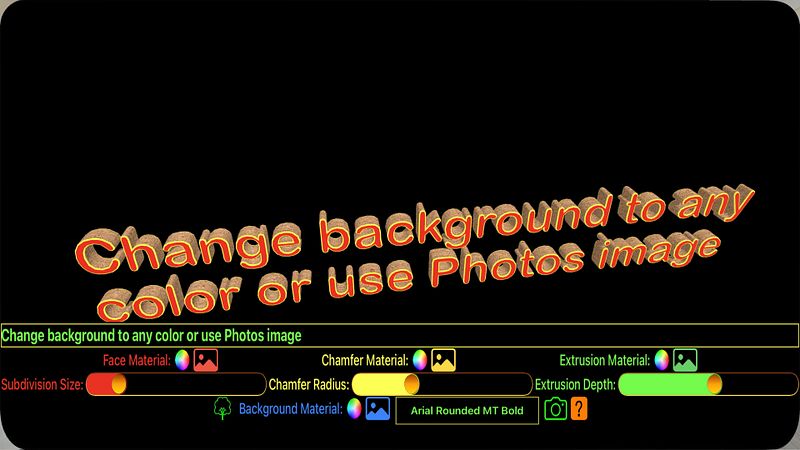
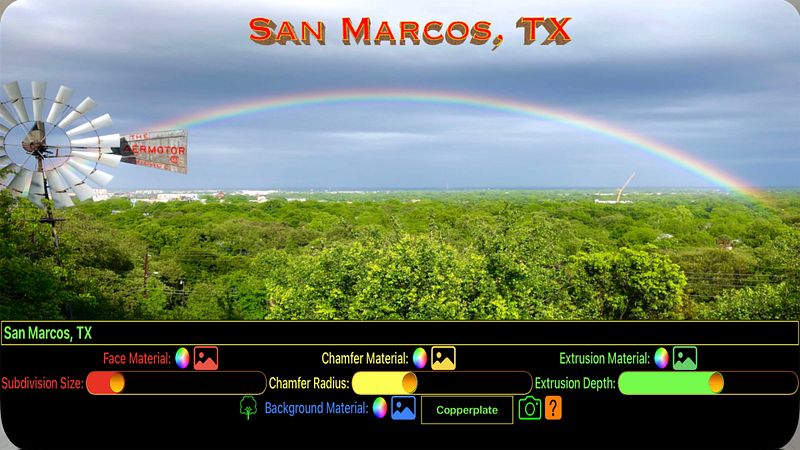
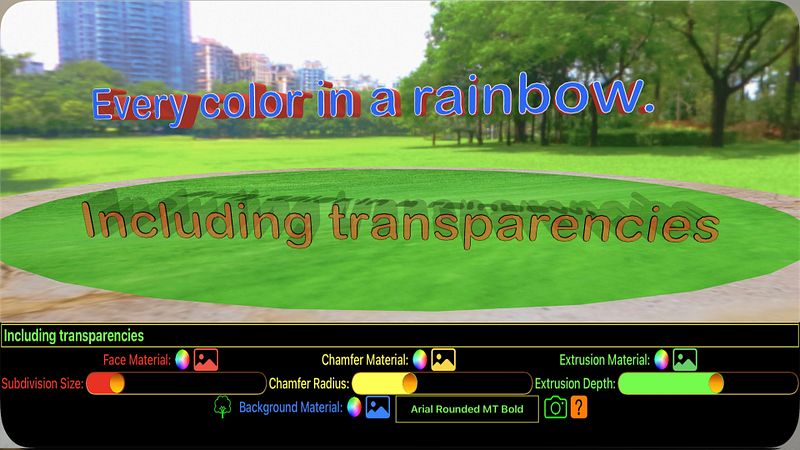
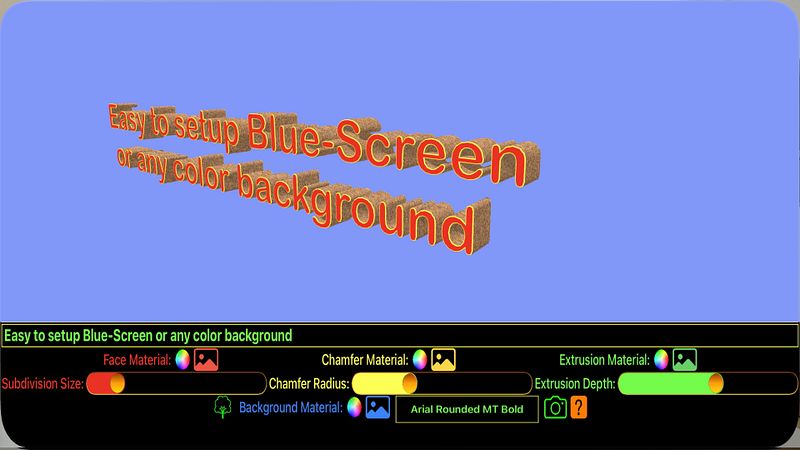
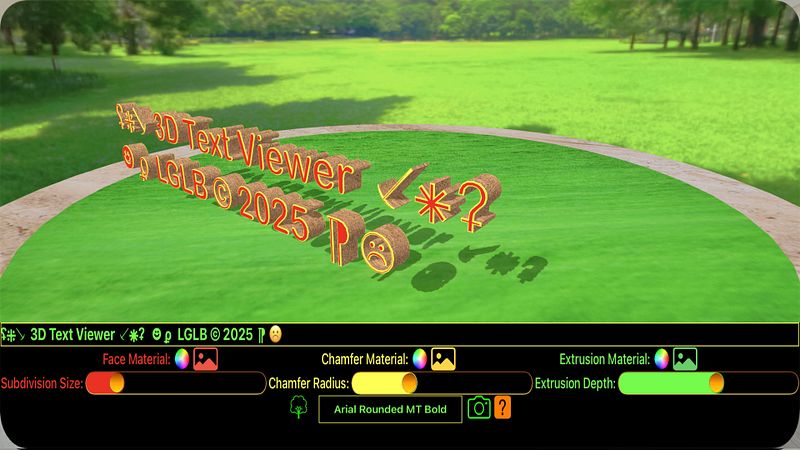
*** NEW! Long-press the snapshot button to save your creation as a 3D file (USDZ).
This app allows you to accent your creativity with 3D text. You can wish someone a happy birthday, happy anniversary, congratulations, or add flare to any event or creative project.
When you enter text in the text field, it is converted into a 3D object which you can manipulate around into any orientation. Not just letters and numbers, but any of the vast range of characters (glyphs) - you have millions of characters and shapes to choose from - make a photo frame from a rectangle character and pick your photo to put in it!
The 3D text has 3 primary facets (unique faces) - the face surface, which is the normal face you see whenever you look at 2D text on the screen or in print; the extrusion surface, which make up the sides of the face as it is extruded into 3-dimensions, much like toothpaste squeezing out of it’s tube; and the chamfered edge, which is the corners where the face and it’s extrusion connect. The chamfered edge is also loosely known as a beveled edge, edge, rim, corner, lip, and by a few more terms. The face and chamfer facets are also mirrored on the back side of the 3D text.
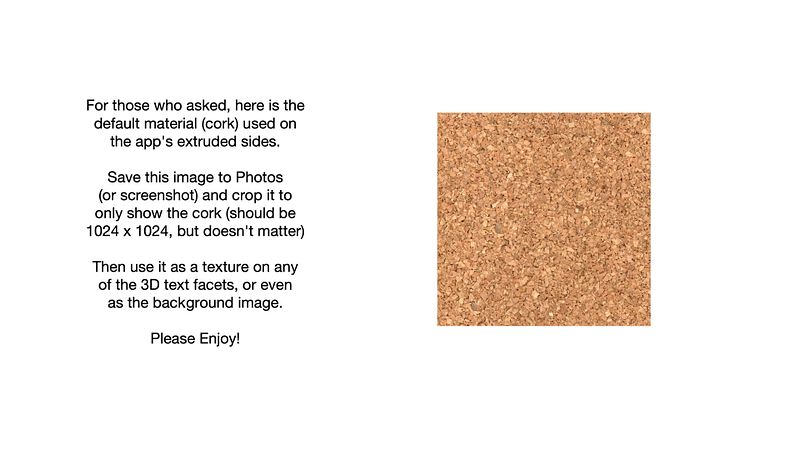
Each of the facets can be colored with any color, or mapped with a texture/shader (an image). You can select any color imaginable, and this app also allows for the colors to have opacity (transparency) for other advanced uses. You can also ‘color’ the facets with an image from the Photos app. Much like a blanket, an image is wrapped against the 3D facets where every 3D point adopts a 2D pixel from your image. The background can also be colored or textured.
There are nearly unlimited uses for 3D text in the world of graphic design, movies/entertainment, marketing, signage, advertisements, … the list goes on. The app tries to simplify the complex processes and calculations involved by handling the math behind the art. Fonts are notoriously complex and extremely intricate - things don’t always...
